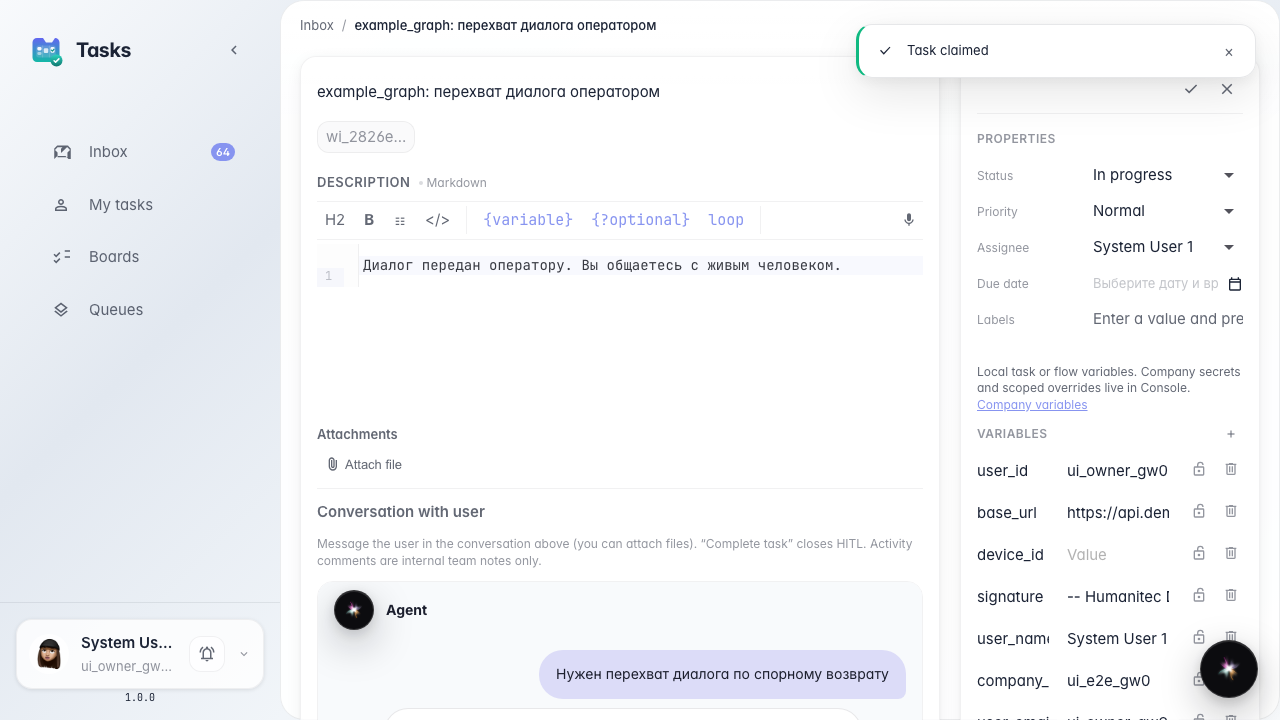
Open an HITL task from CRM in Tasks
What for: this guide shows how to leave a CRM task card and open the full operator dialog in Tasks.
Problems it solves: CRM has no customer chat — a comment there never reaches the buyer.
Result: Open in Tasks takes you to the HITL card with the embedded chat.
Step 1. Open the HITL card in CRM
Open the operator-handoff task in CRM via a direct link. There is no customer chat here — only task properties and a jump button.
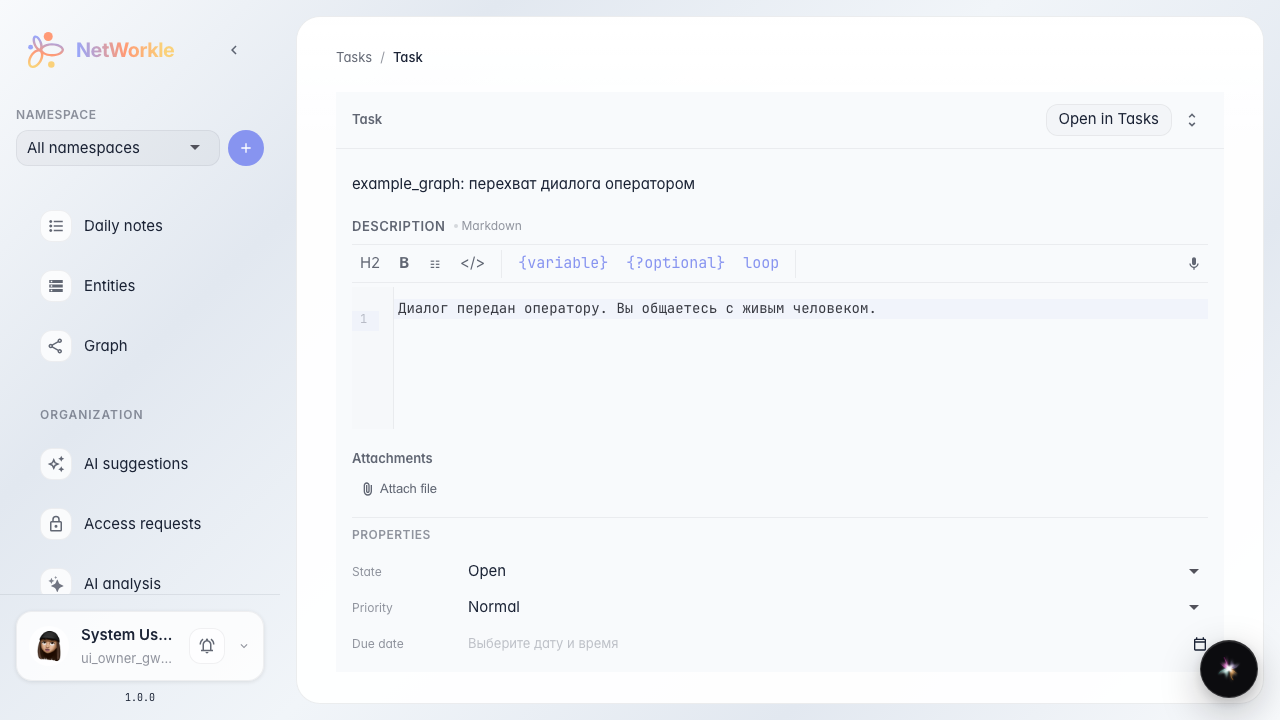
Step 2. Click Open in Tasks
The button takes you to Tasks, where the customer dialog lives. CRM has no HITL composer — reply there.

Step 3. Check the chat in Tasks
The Tasks card shows the embedded customer dialog — this is where the operator replies.
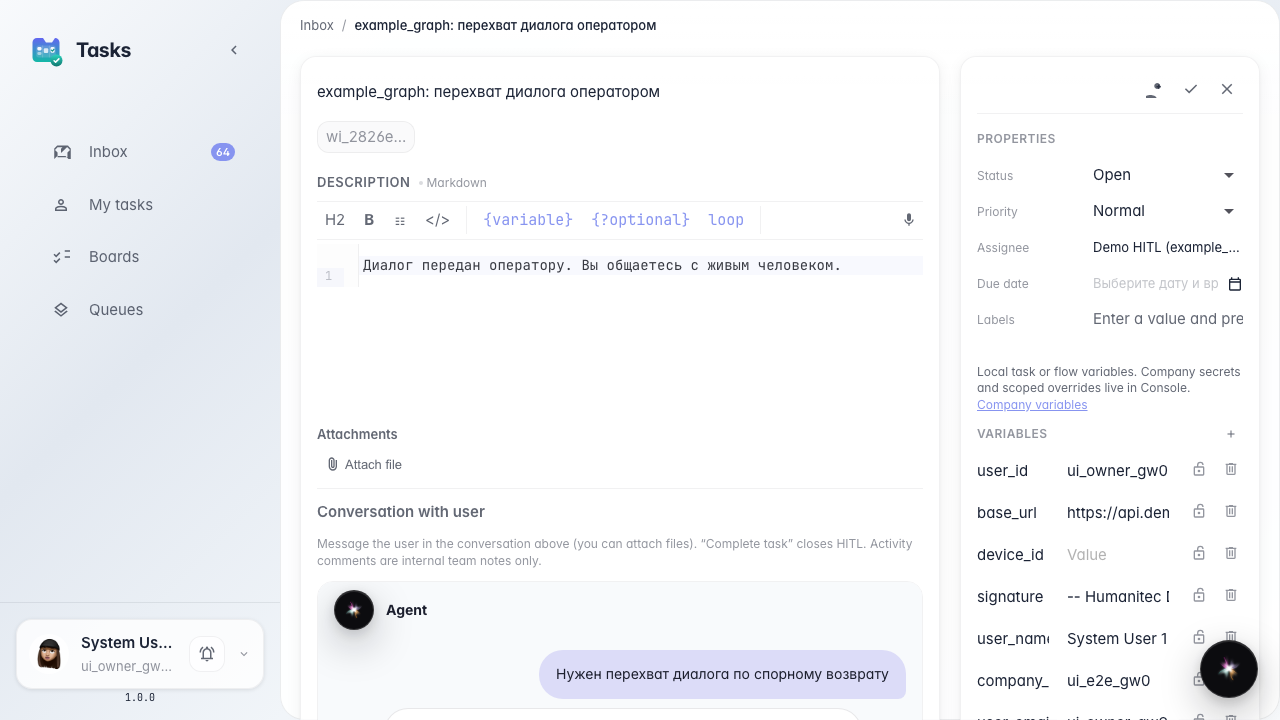
Step 4. Confirm the composer lives here
Result demonstration. After claim, the Tasks card shows the customer reply field. CRM did not have it.
Summary. From CRM you can jump to the HITL task and reply to the customer in Tasks.