Let the agent call an operator itself
What for: this guide shows how to give the agent a hand-off-to-operator tool and let it decide when a human is needed.
Problems it solves: you cannot predict which question will be complex; a fixed graph branch does not always fit.
Result: on a disputed return question, the agent itself routes the dialog to the Customer Support queue.
Step 1. Open the agent branch with tools
Open the branch where the agent runs in Tools mode. The canvas shows the answer node with attached operations.
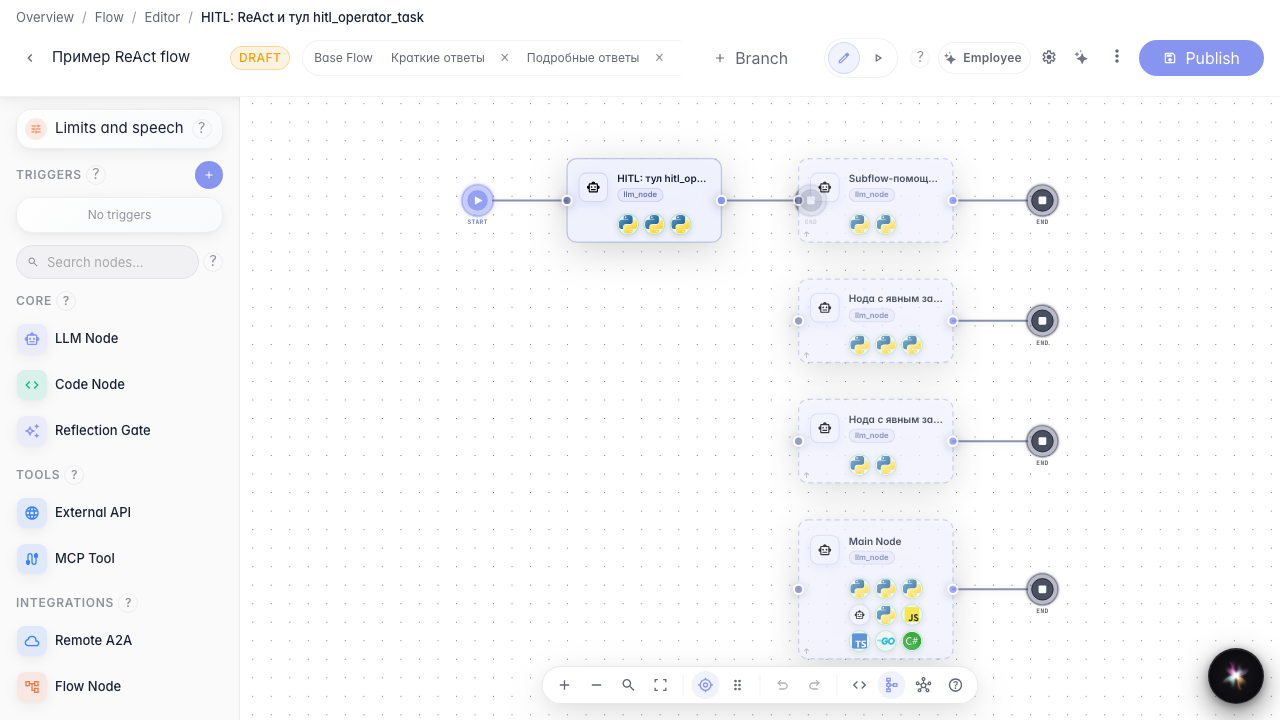
Step 2. Check the handoff-to-operator tool
Open the agent node. The tool list includes hand-off to operator; the agent calls it when the question is too complex. In the instruction, describe when to call a human (return, dispute, complaint).

Step 3. Open this branch test chat
Open the selected branch chat. This tests this agent configuration, not another experimental branch.
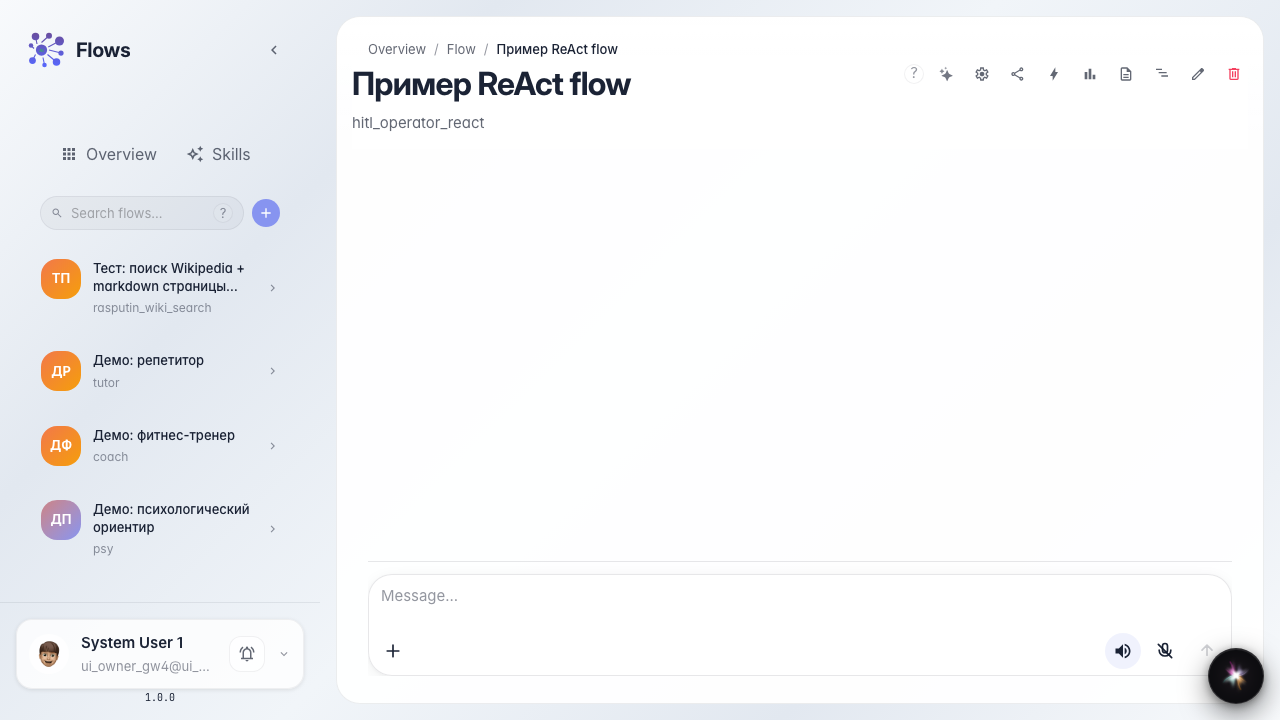
Step 4. Ask a complex question in chat
Result demonstration. Ask about a disputed return without a receipt. The agent calls the handoff tool on its own; the chat shows operator waiting even without a separate hard branch on the graph.
Summary. You can now let the agent decide when to involve an operator from the Customer Support queue.
