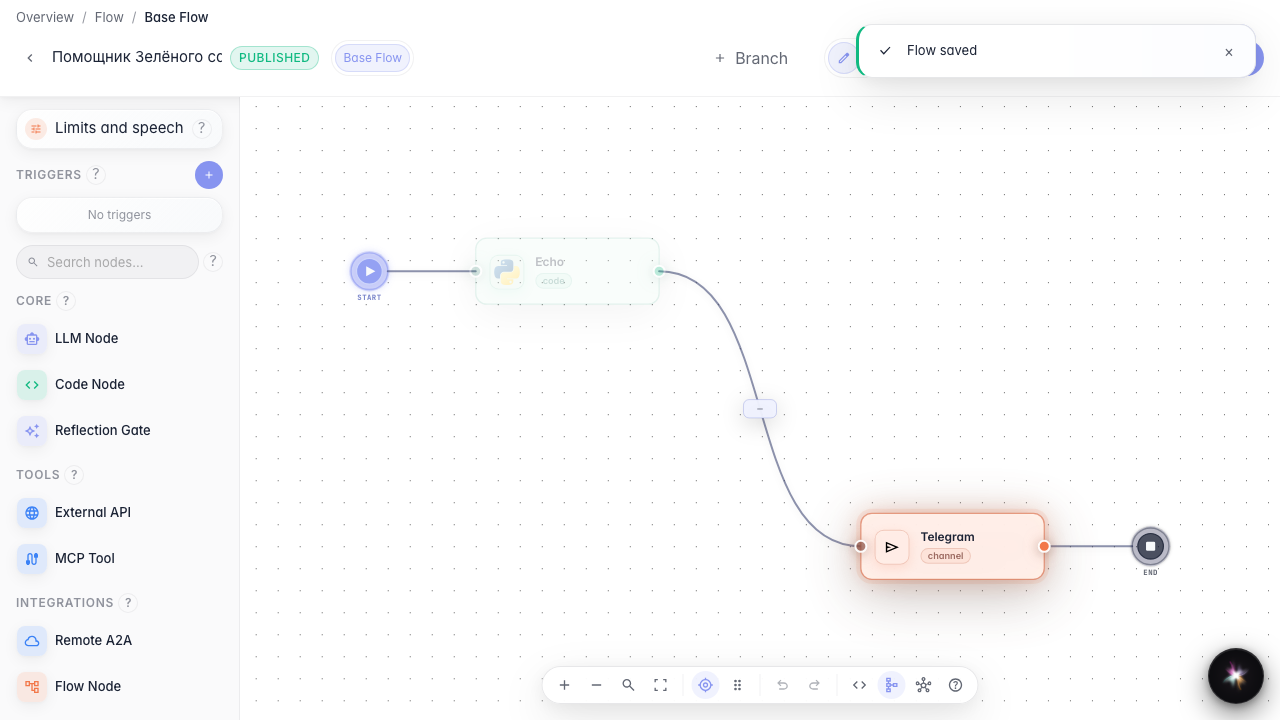
Send the answer to Telegram
What for: this guide configures delivering a message to the customer in Telegram.
Problems it solves: the agent reply must also reach the store bot, not only the test chat.
Result: a Telegram channel node with demo bot settings.
Step 1. Add a channel node
Drag a Channel node and open its settings. Here you choose how to deliver the reply — Telegram, email, or webhook.
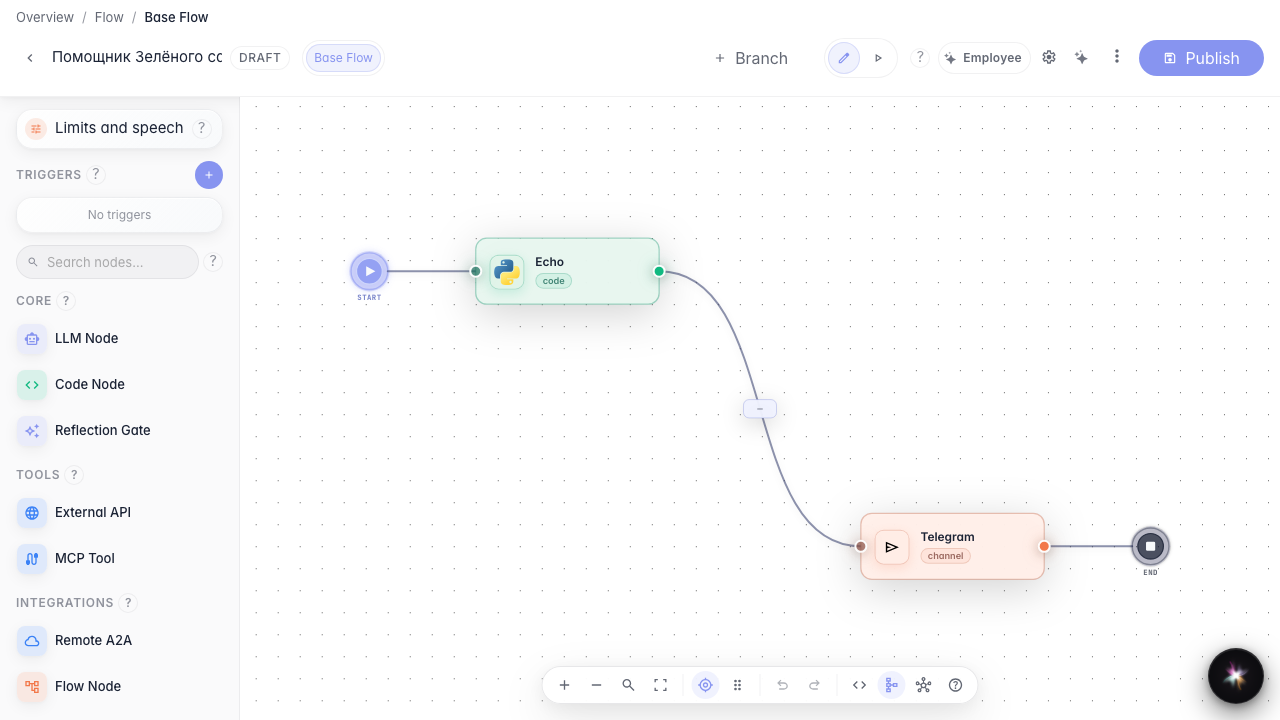
Step 2. Choose Telegram and set the bot
Keep Telegram as the channel and set the bot token (in this tutorial — «@zeleniy_sad_bot»). The agent then knows where to send notifications.
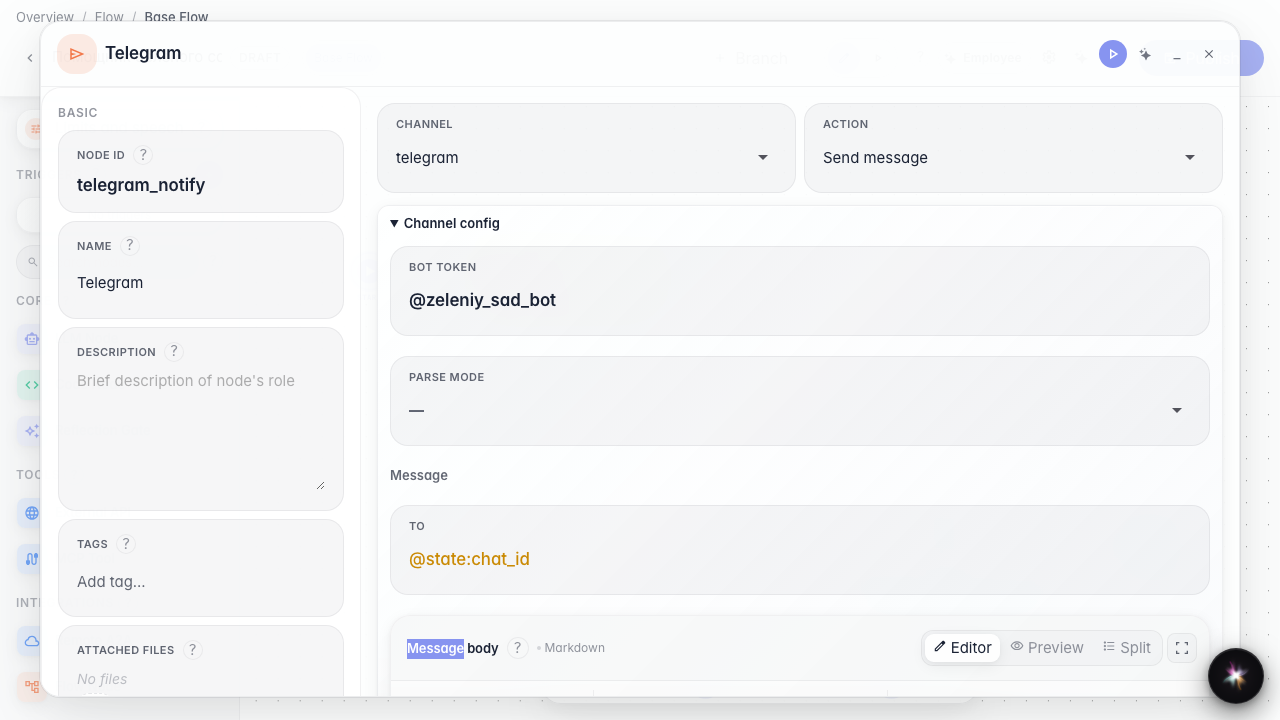
Step 3. Review channel settings before publishing
Reopen the channel node and confirm Telegram is selected with the token via a variable — replies will route to the store bot.
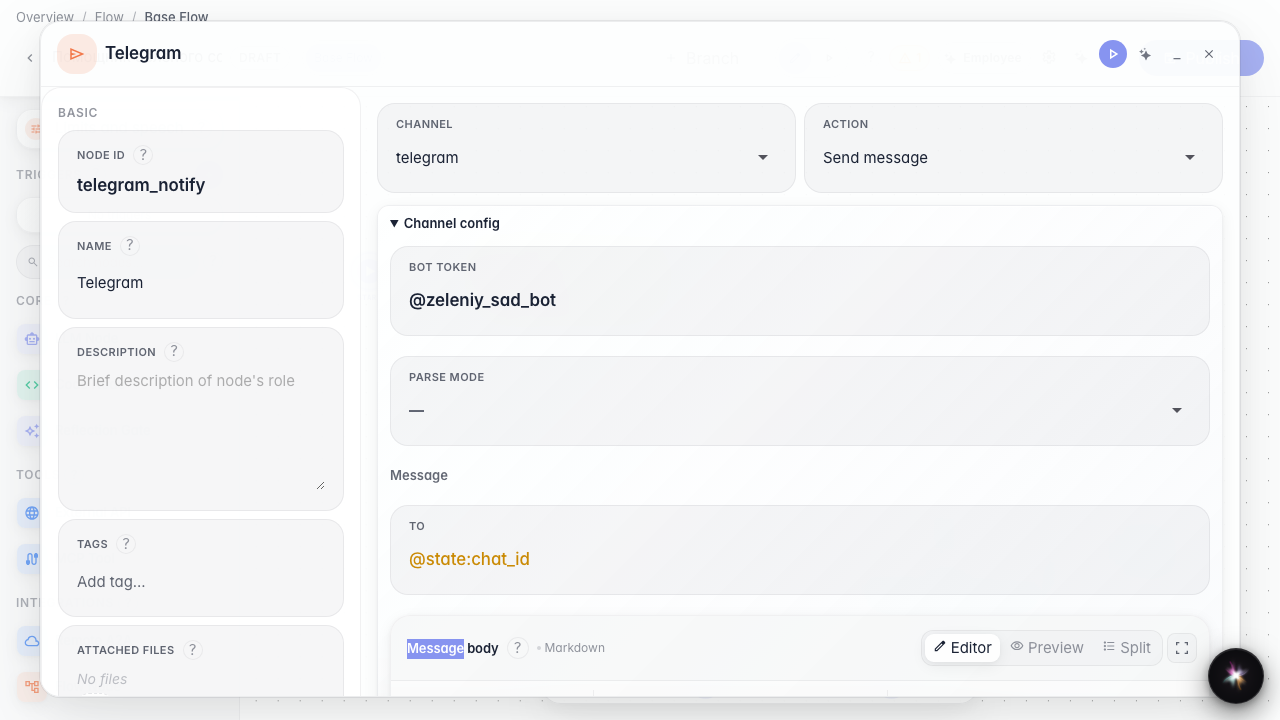
Step 4. Publish the Telegram channel
Result demonstration. The Telegram channel node is saved in the graph — the agent can send replies to the store bot.
Summary. You can add a channel node and configure Telegram message delivery.