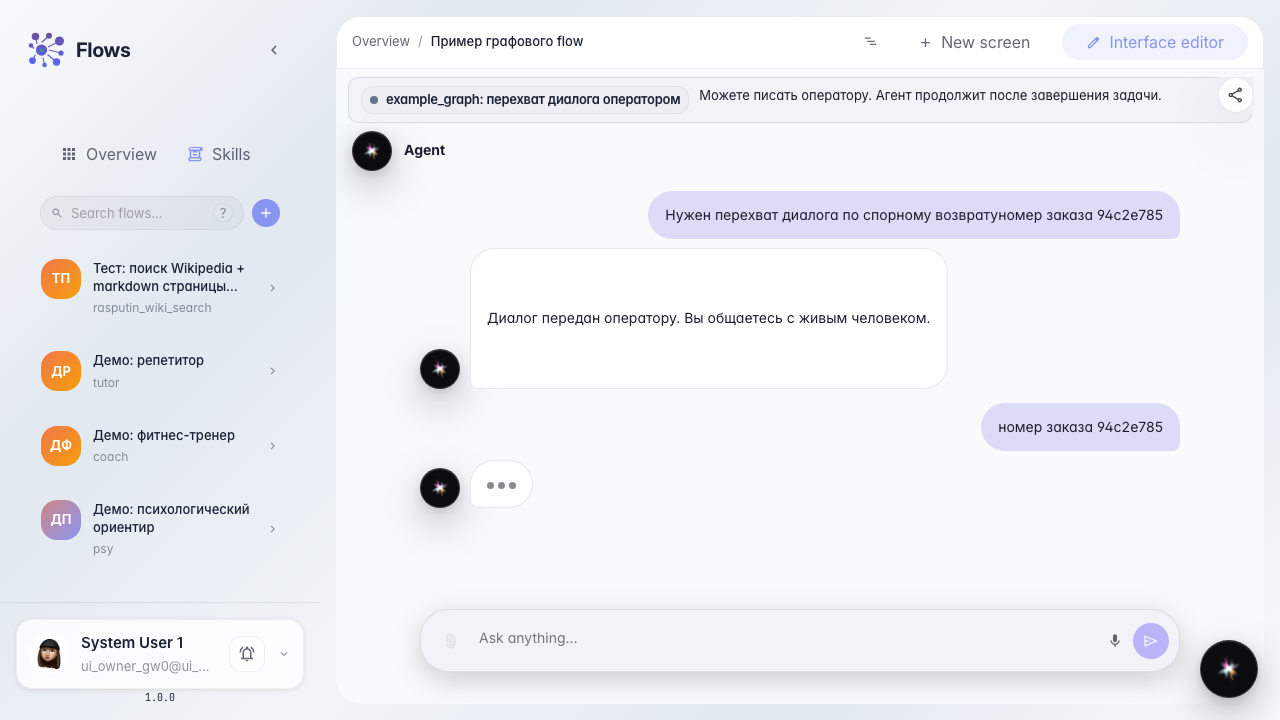
Customer writes during dialog takeover
What for: this guide shows that in dialog takeover the customer can keep writing in the agent chat without waiting for the task to close.
Problems it solves: a disputed return needs details from both sides — if the customer input is locked, the operator never gets the order number in time.
Result: after handoff the customer sends a message, it appears in the thread, and the task stays open.
Step 1. Open the agent chat
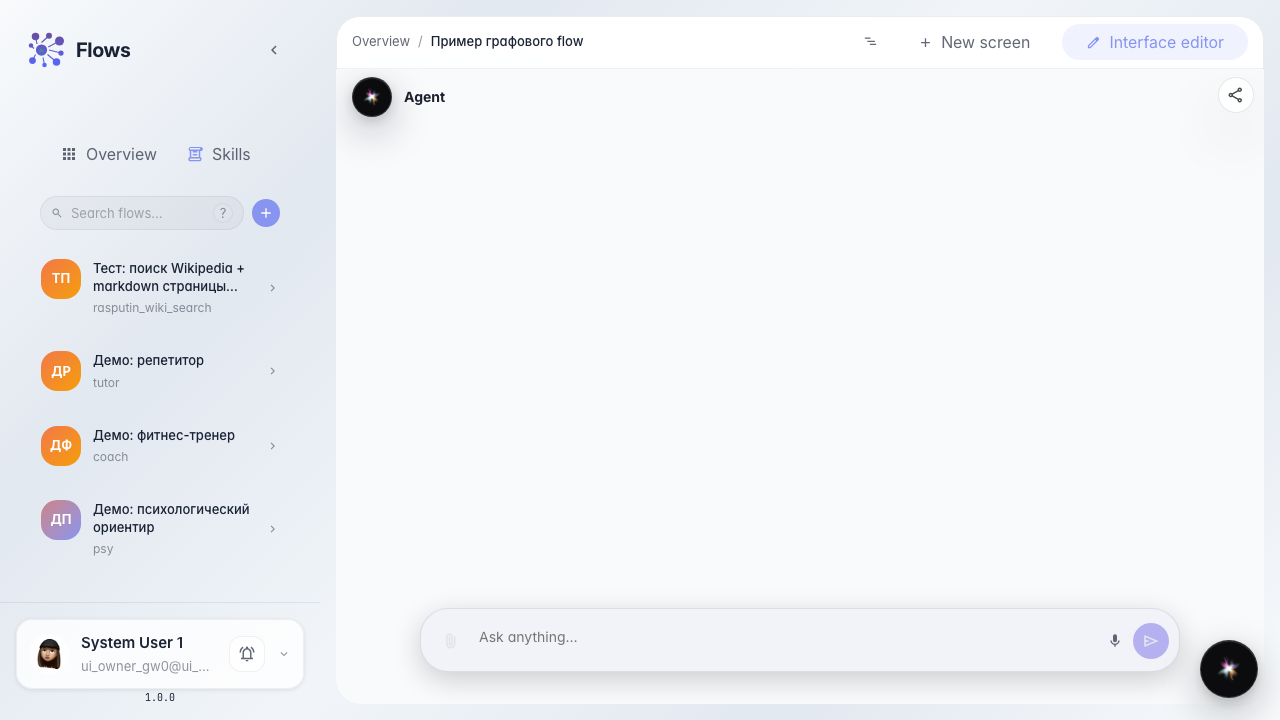
In Flows open the demo agent chat. This is the same screen the customer uses to write to the store.
Step 2. Take the dialog to takeover
Write about a disputed return that needs takeover. A waiting banner appears, but the input stays enabled — this is takeover, not single-reply.

Step 3. Send a follow-up while the task is open
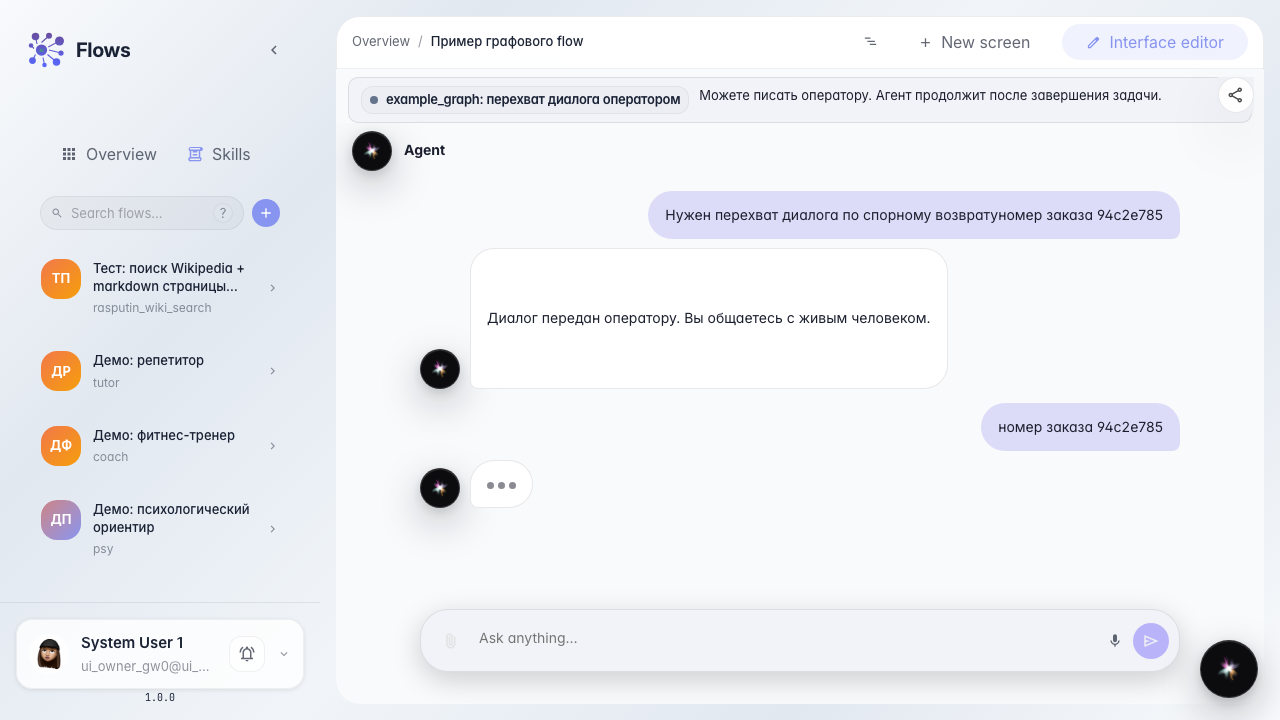
Type the order number and send. The message appears in the chat thread.
Step 4. Confirm the task is still open
Result demonstration. The waiting banner is still there and the operator task is still open: the customer added to the dialog without closing the handoff.
Summary. In takeover you can write from the customer chat while the operator handles the case.