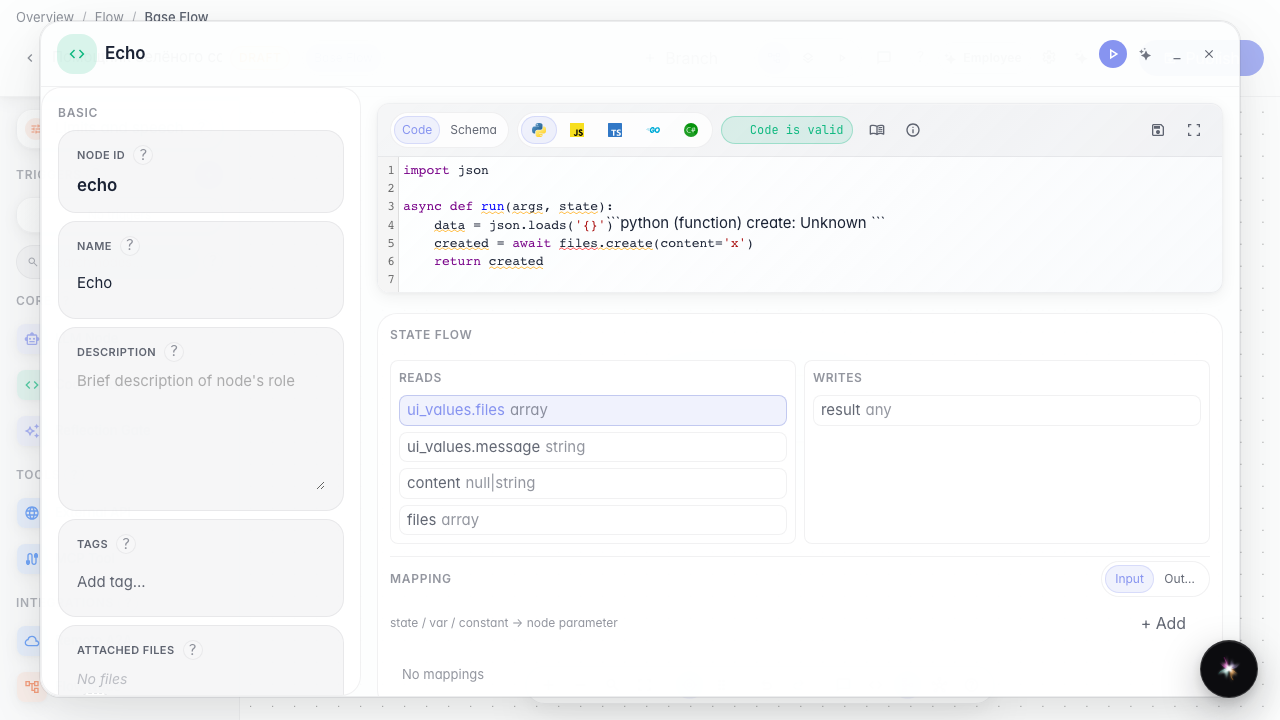
How the code editor suggests methods like an IDE
What for: this guide shows how to write node code with standard-library and platform method suggestions, like in a regular IDE.
Problems it solves: you do not need to memorize json.loads or files.create — the editor lists matching names and a short hint.
Result: the agent code editor shows completions and a hover tooltip.
Step 1. Open the code node
On the canvas select the Code node and open its editor. This is where you write the function that transforms data between agent steps.
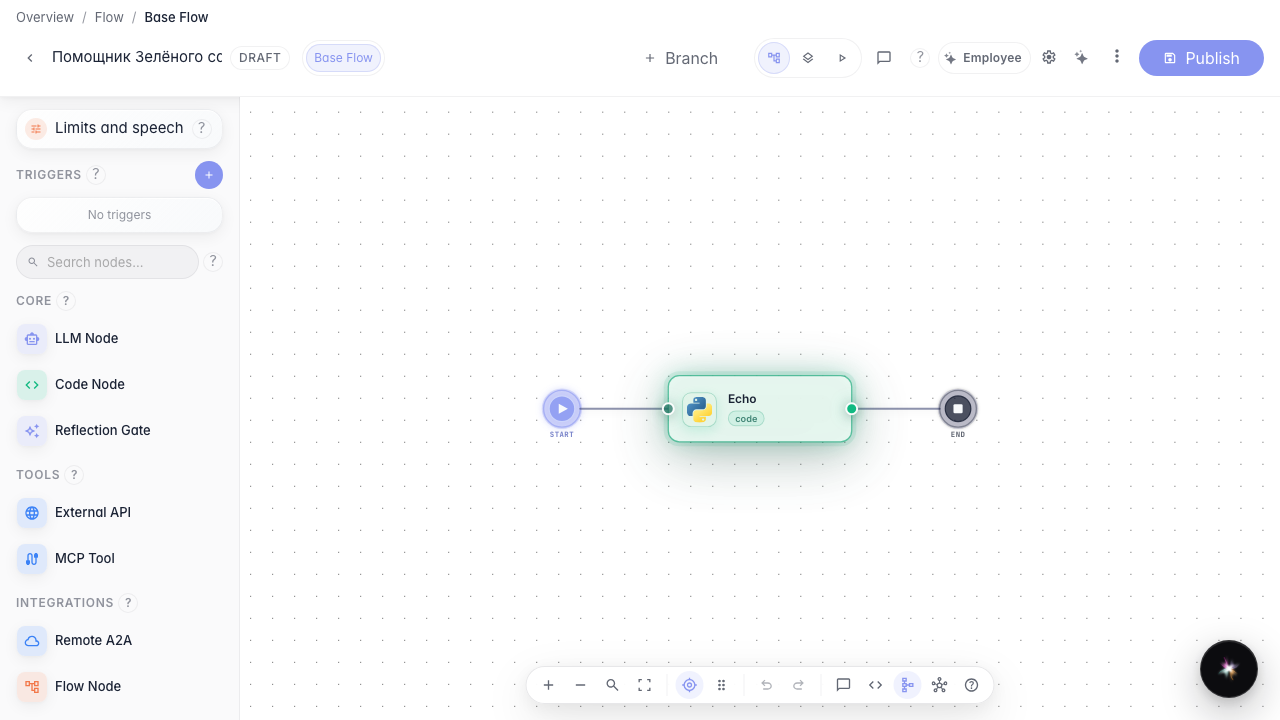
Step 2. Type json. and pick a suggestion
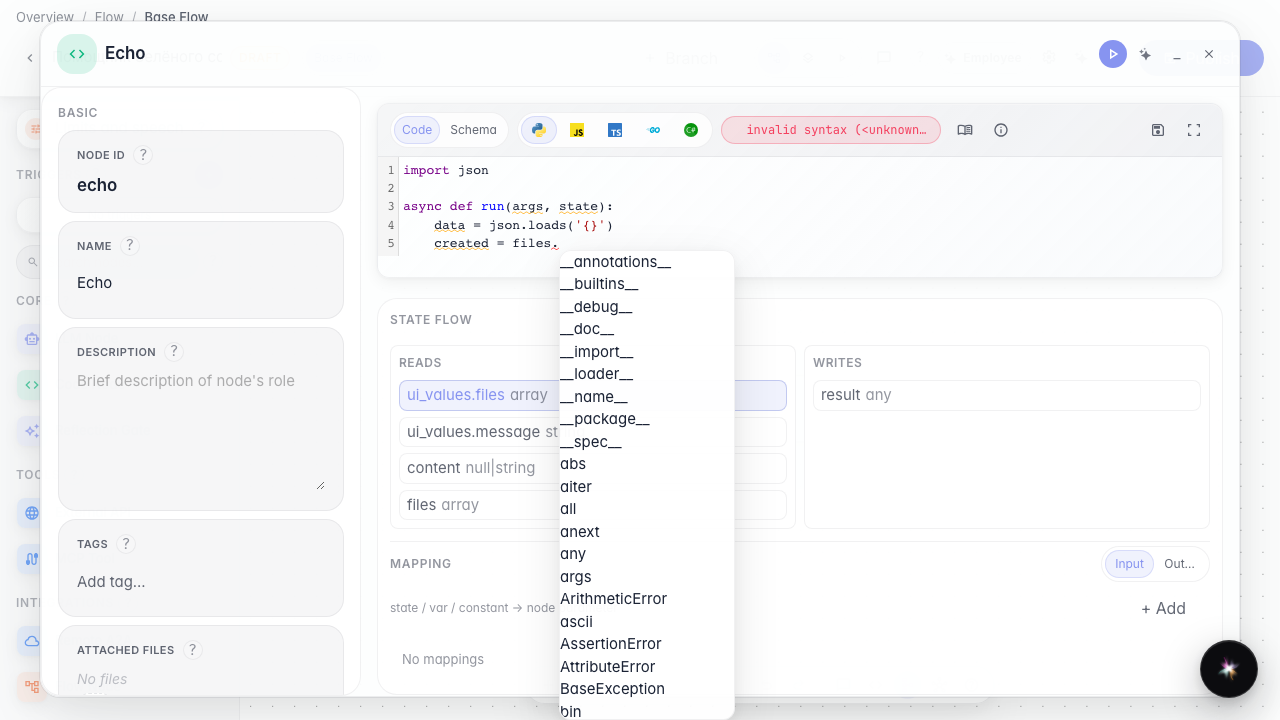
In the function body type json. and trigger completion (Ctrl+Space). Standard methods such as loads and dumps appear, so you do not look them up.

Step 3. Type files. to see platform methods
On a new line type files. and press Ctrl+Space again. The list includes the platform file-create method — node code calls capabilities instead of forbidden open().
Step 4. Hover a name to see its hint
Result demonstration. The agent code editor behaves like an IDE: a dot lists json and files methods, and hover shows a short hint.
Summary. You can write data transforms faster and with fewer name typos.