Connect an order tracking service
What for: this guide helps you fetch order status from an external HTTP service.
Problems it solves: the customer asks where the order is and the answer must come from a delivery API.
Result: an external API node is configured for order status requests.
Step 1. Add an external API node
Drag an External API node onto the canvas. Through it the agent calls HTTP services such as an order tracker.
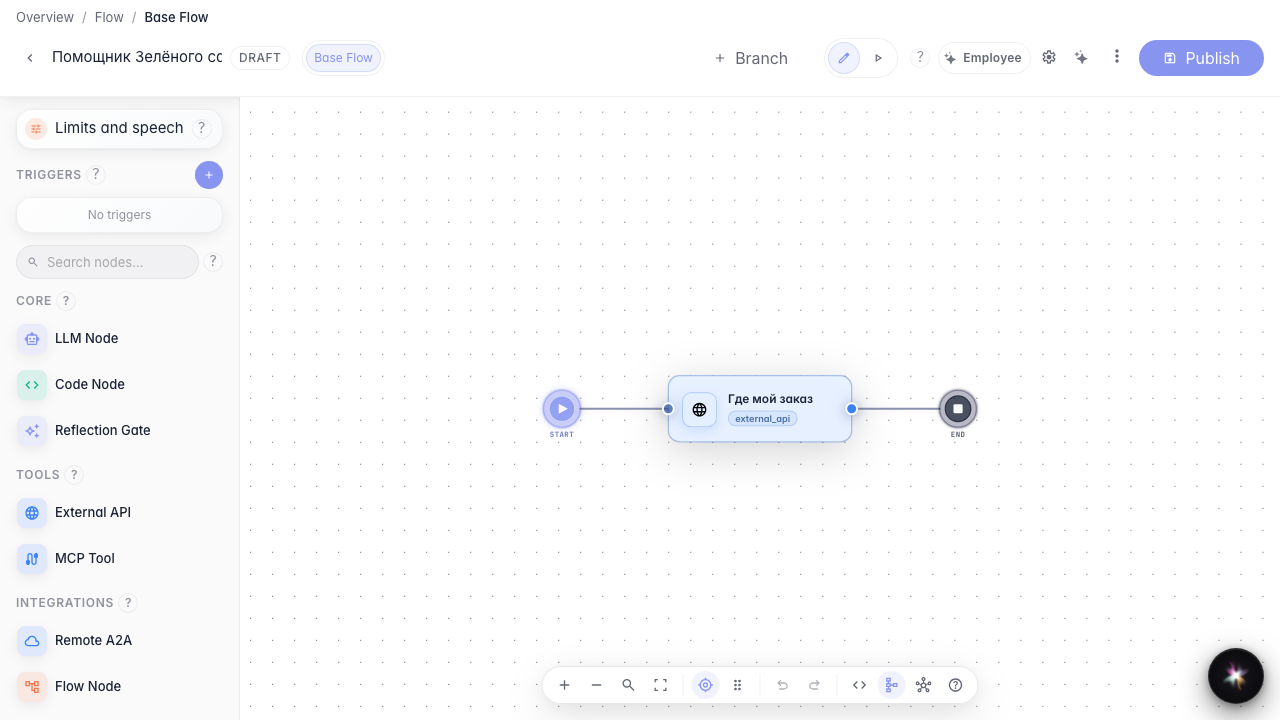
Step 2. Set the order service URL
Enter the tracking service URL. You can insert variables in curly braces, for example the order number from the chat.
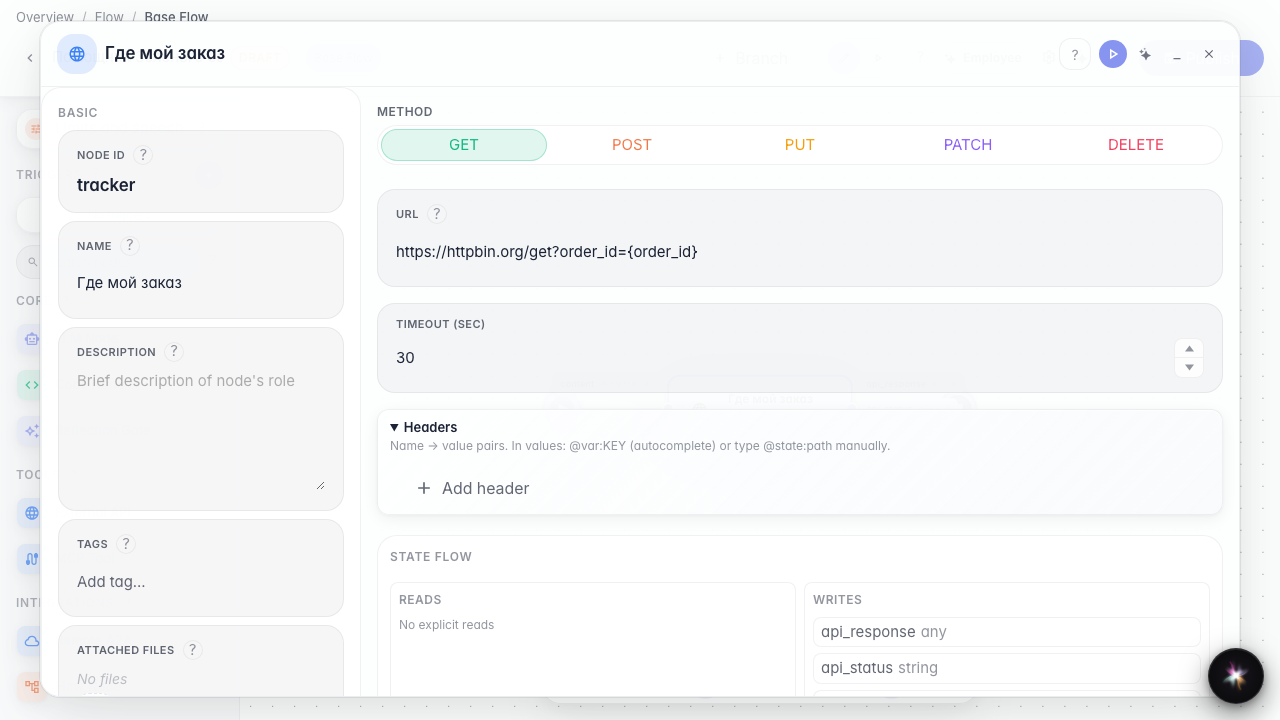
Step 3. Verify the URL with order variable
Confirm the address includes the {order_id} placeholder — the agent will insert the order number from the chat when calling the delivery service.
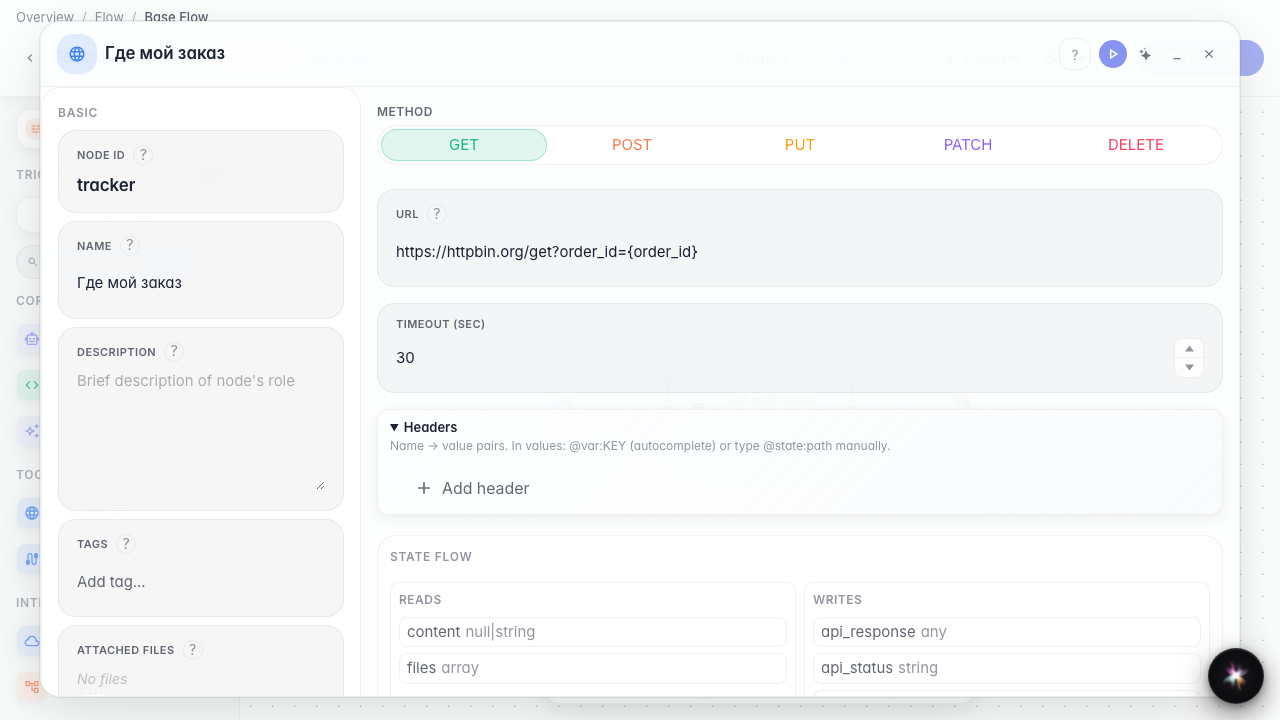
Step 4. Publish the API connection
Result demonstration. The order tracker node is saved with the service URL — the agent can request order status over HTTP.
Summary. You can add an external API node and configure a delivery service call.
