Compose an orchestrator from sub-agents
What for: this guide helps split a complex task across specialized sub-agents.
Problems it solves: one general agent mixes topics — delivery and returns are better handled by dedicated assistants.
Result: an orchestrator with the returns agent attached as a tool.
Step 1. Open the orchestrator agent
In the editor open the orchestrator's main LLM node. It decides which sub-agent should handle the customer request.
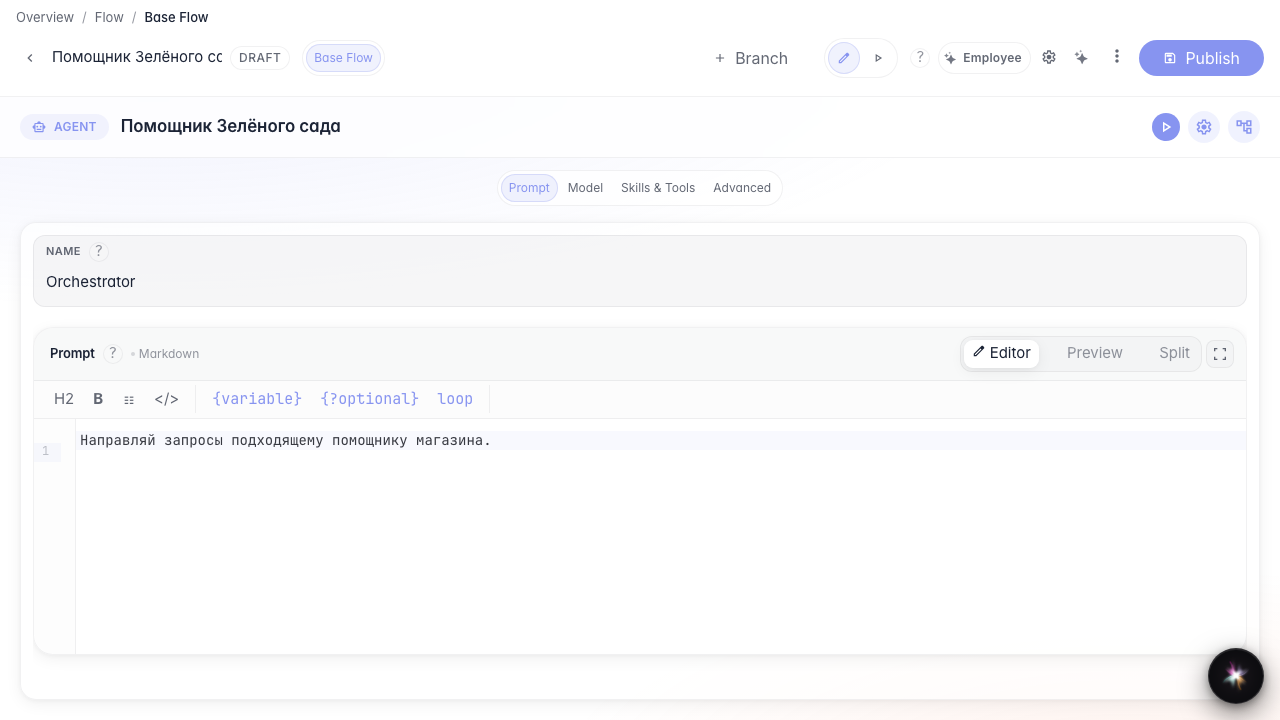
Step 2. Set the delegation rule
In the prompt field, state which requests the orchestrator should delegate. An explicit returns rule helps it choose the specialized assistant from the request meaning instead of answering every topic itself.
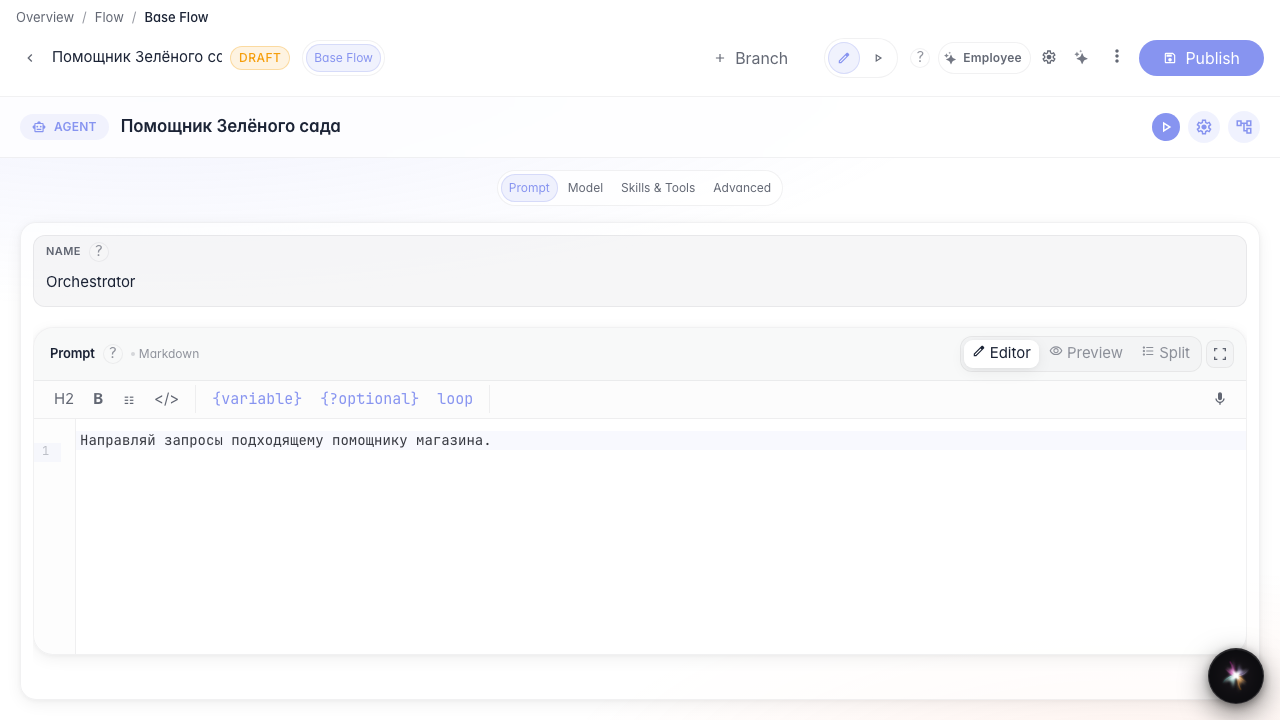
Step 3. Attach the sub-agent in the tools list
Add the returns agent from the library. A chip with its name appears in the tools list — the orchestrator can delegate matching questions to it.
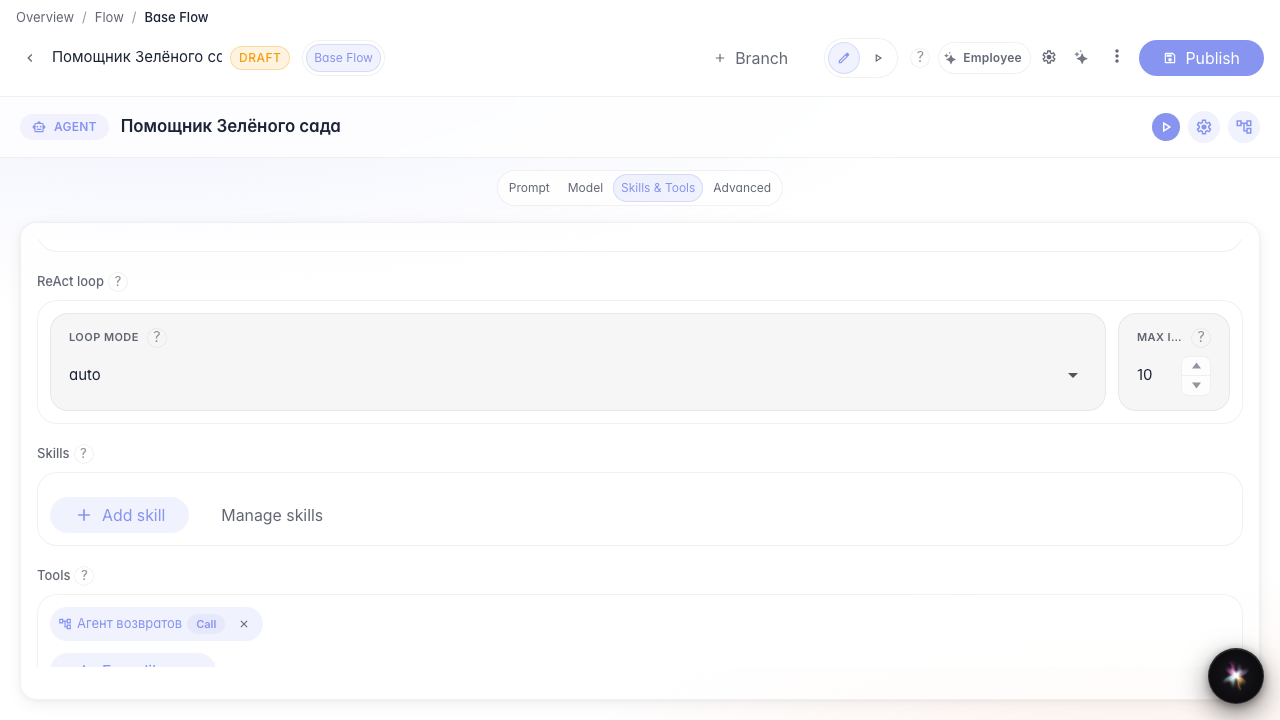
Step 4. Attach the sub-agent as a tool
Result demonstration. The sub-agent is listed in the orchestrator tools and published — the main agent can delegate returns to it.
Summary. You can build an orchestrator from sub-agents and attach them as tools.
