Set up a support queue for the agent
What for: this guide helps you build a queue where agents route complex customer requests.
Problems it solves: without a queue and assigned people, there's no one to handle the agent's tasks.
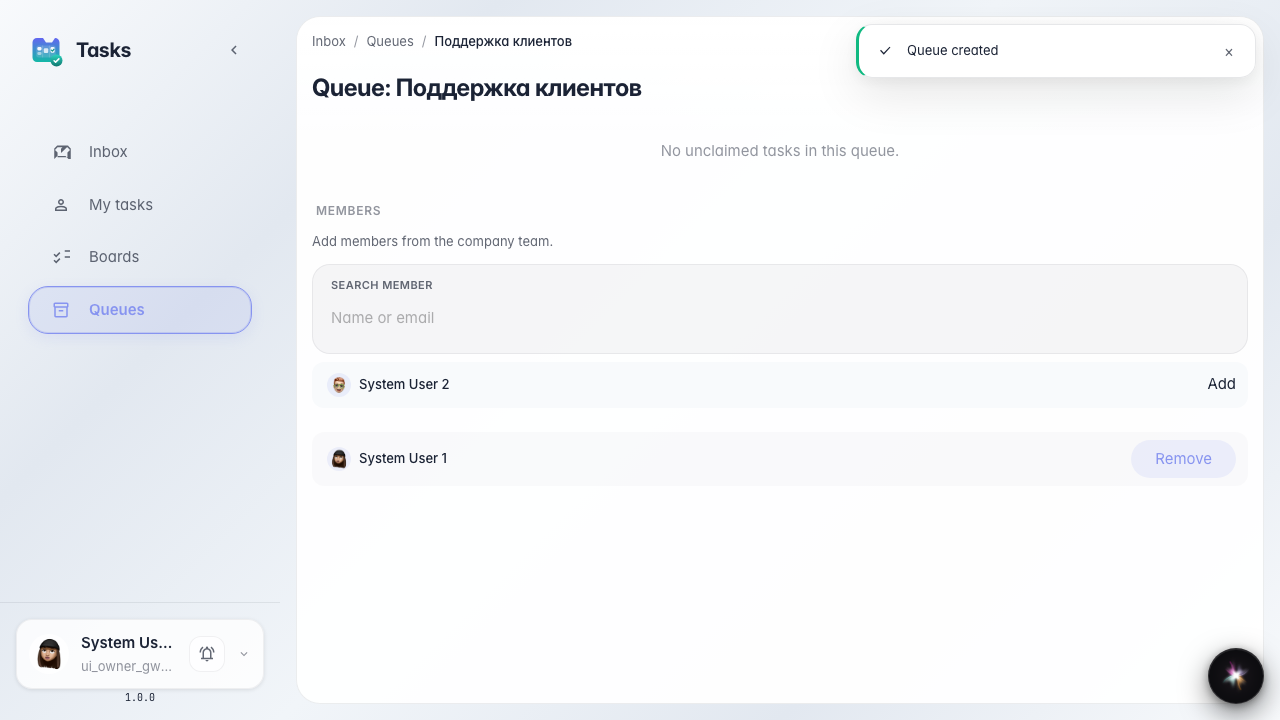
Result: the Customer Support queue is created and shows an inbox section where agent tasks will arrive.
Step 1. Open the queues section
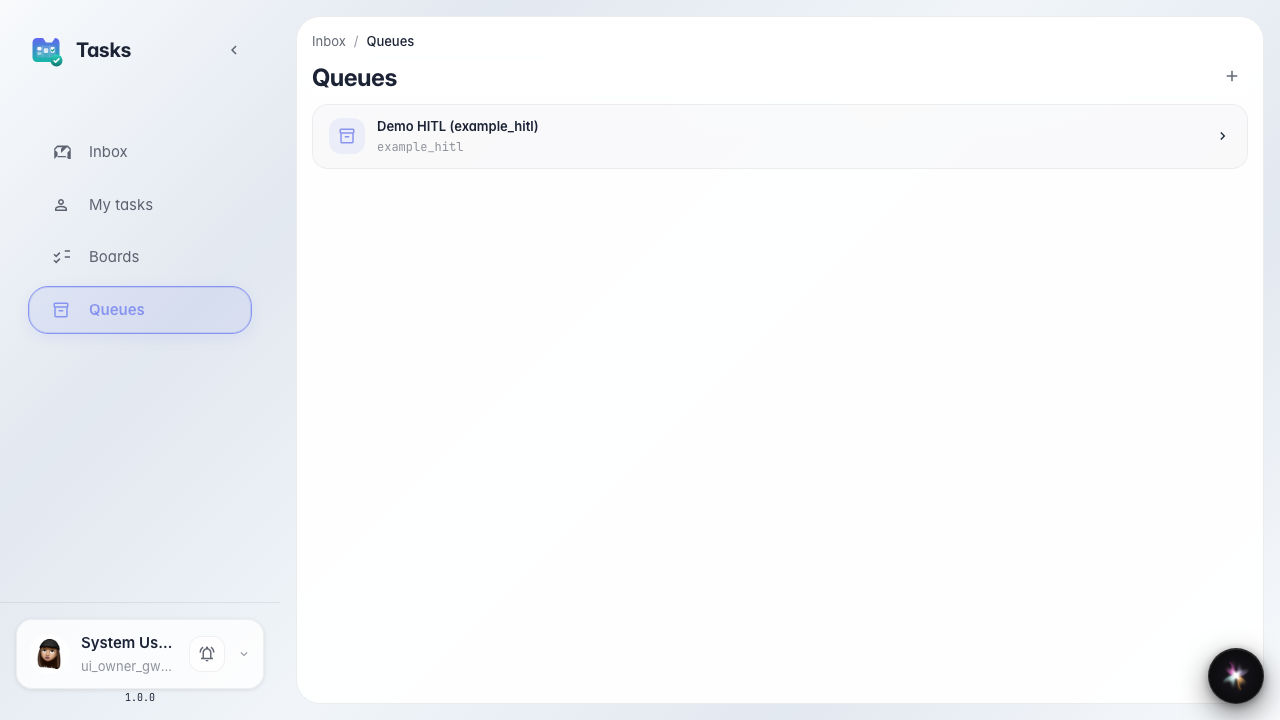
In the tasks service, open the queues section. A queue is a shared task inbox operators pull from. This is where the agent will drop complex cases.
Step 2. Create the support queue
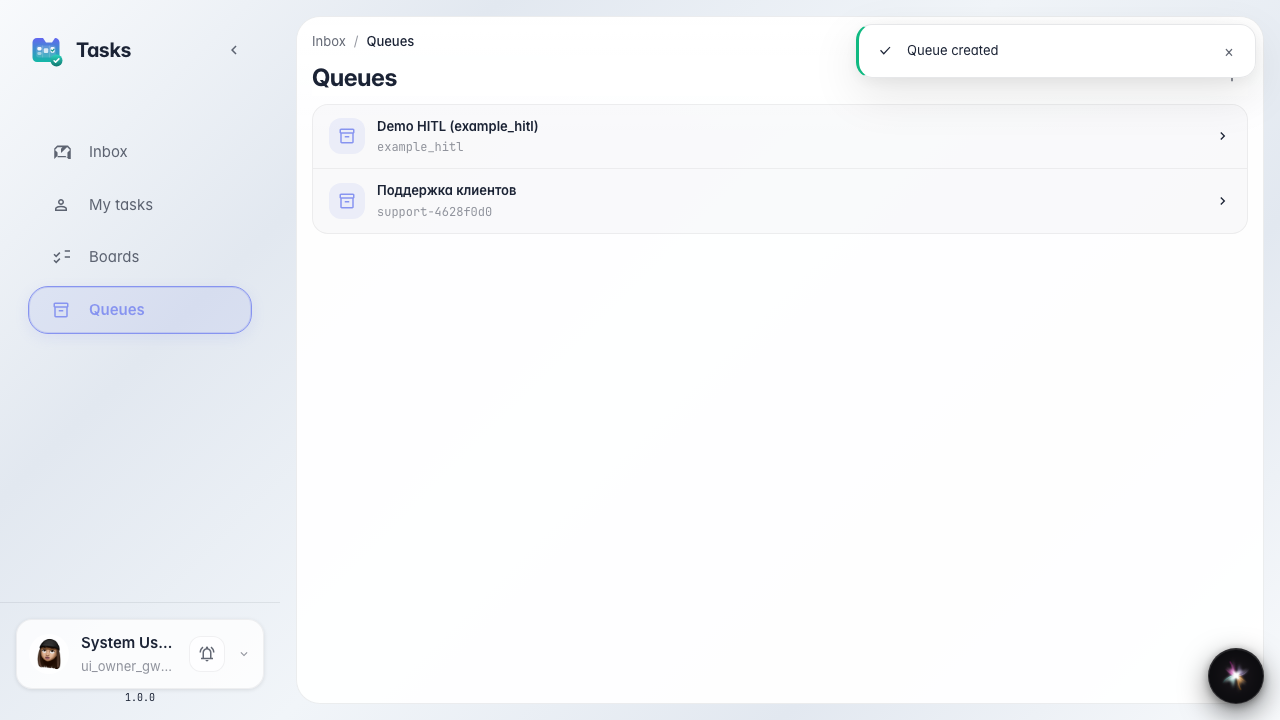
Click create queue, enter the name Customer Support and a short identifier. After saving, the queue appears in the list.
Step 3. Open the queue and its inbox
Result demonstration. Open the queue — inside there is an inbox section and a members list. Agent tasks land here, and this is where you add operators such as Marina.
Summary. You now have a support queue ready to receive requests from the agent.