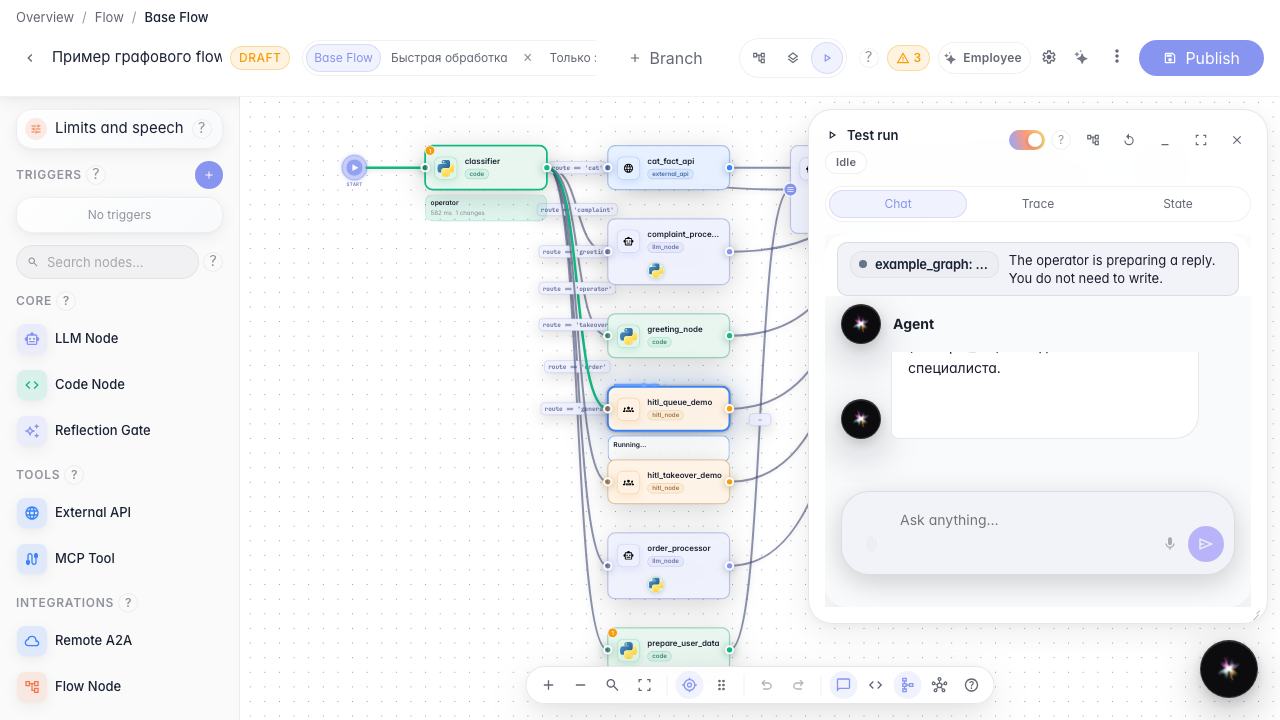
Operator wait in Test Run
What for: this guide shows how to verify operator handoff inside the agent editor without opening the public chat.
Problems it solves: it is easy to debug HITL on the canvas and miss that the customer is already waiting — Test Run must show the same banner and locked input.
Result: the run panel shows the waiting banner and a read-only composer.
Step 1. Open the agent editor
From the agent list open the Green Garden demo agent. The canvas shows the graph with operator handoff.
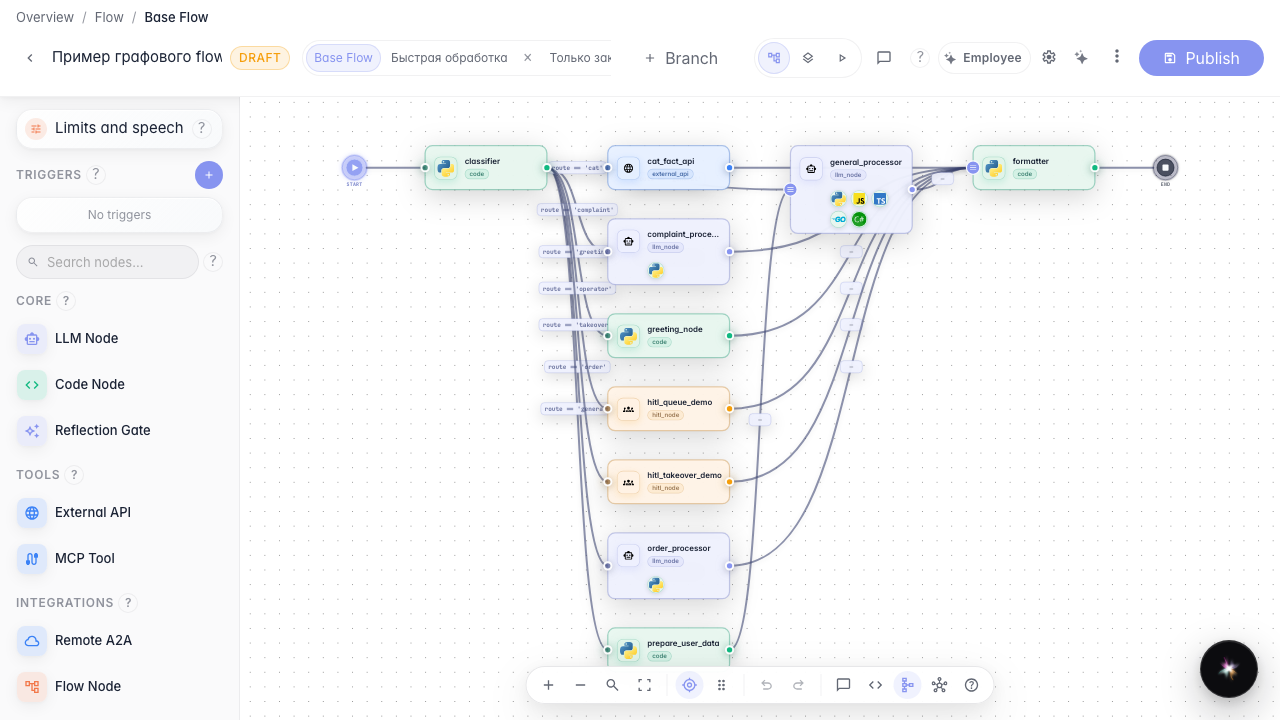
Step 2. Switch to Test Run
In the editor header choose Run. The right-hand panel opens with the same chat the customer sees.
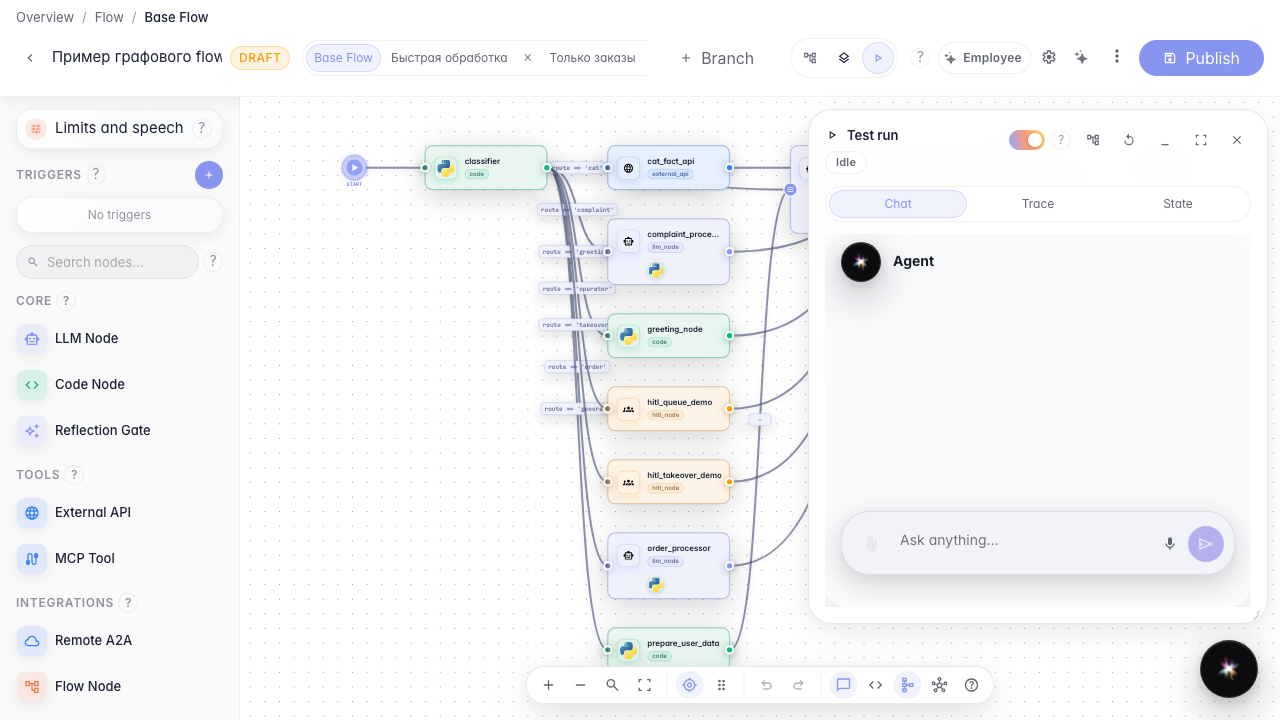
Step 3. Send the disputed return from the panel
In the run panel write about a return without a receipt. The agent pauses the dialog until an operator replies.

Step 4. Check the banner and locked input
Result demonstration. Inside the run panel you see the same waiting banner and read-only field as the customer chat.
Summary. You can verify HITL in Test Run without opening a separate chat tab.