Process data with a code node
What for: this guide shows how to compute or transform data inside an agent with a code node.
Problems it solves: not everything fits a prompt — sometimes you need exact calculations or order field transforms.
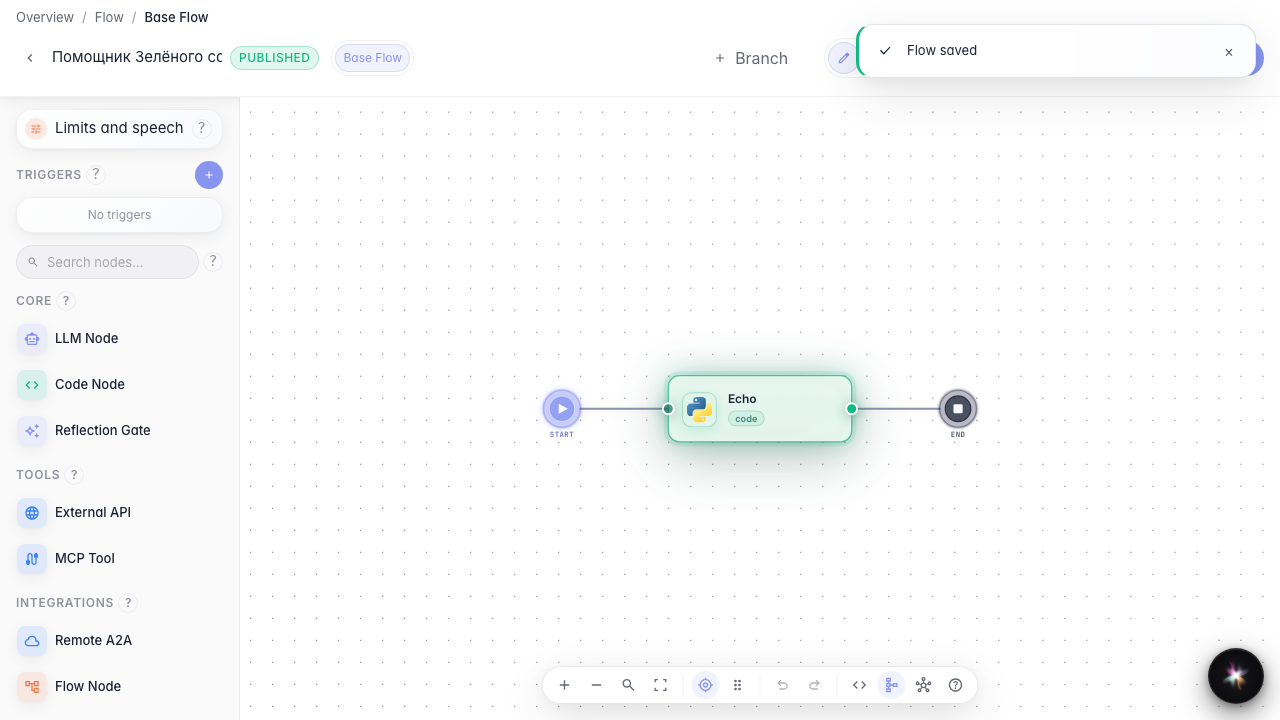
Result: a code echo node is ready to run in the graph.
Step 1. Add a code node to the canvas
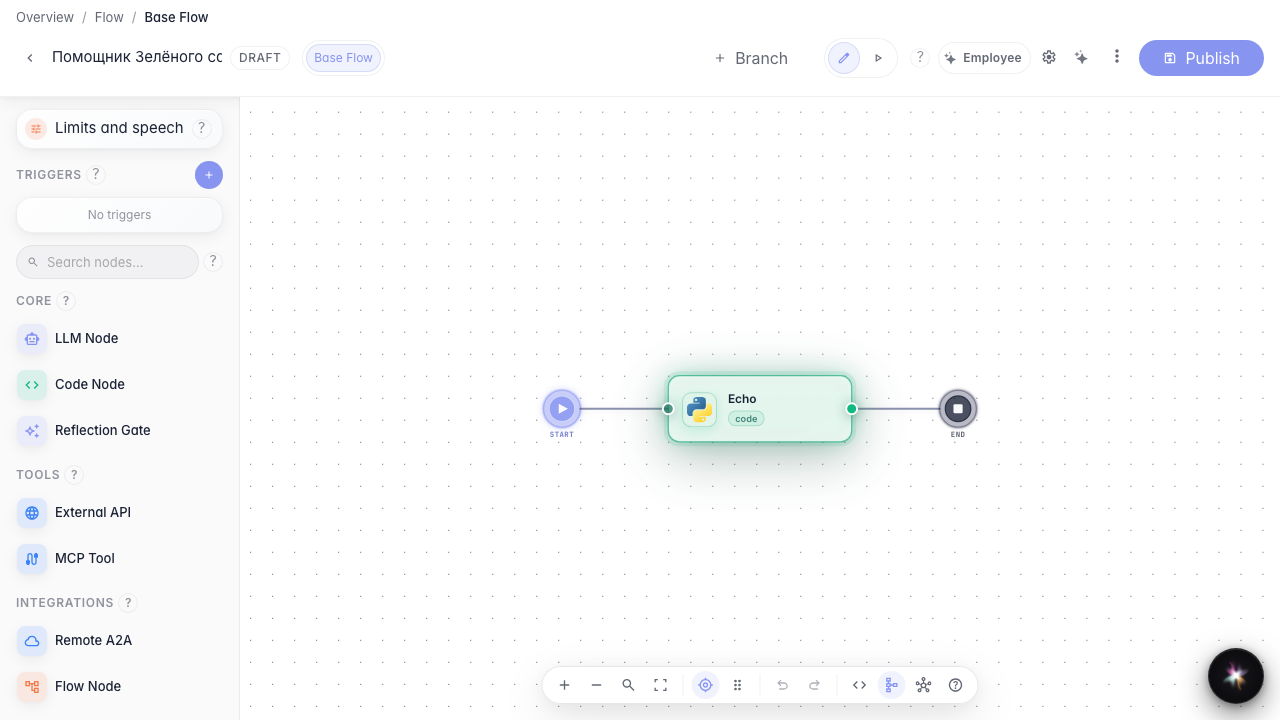
Drag a Code node from the left palette onto the canvas. Use it for precise calculations and data transforms between agent steps.
Step 2. Write the processing code
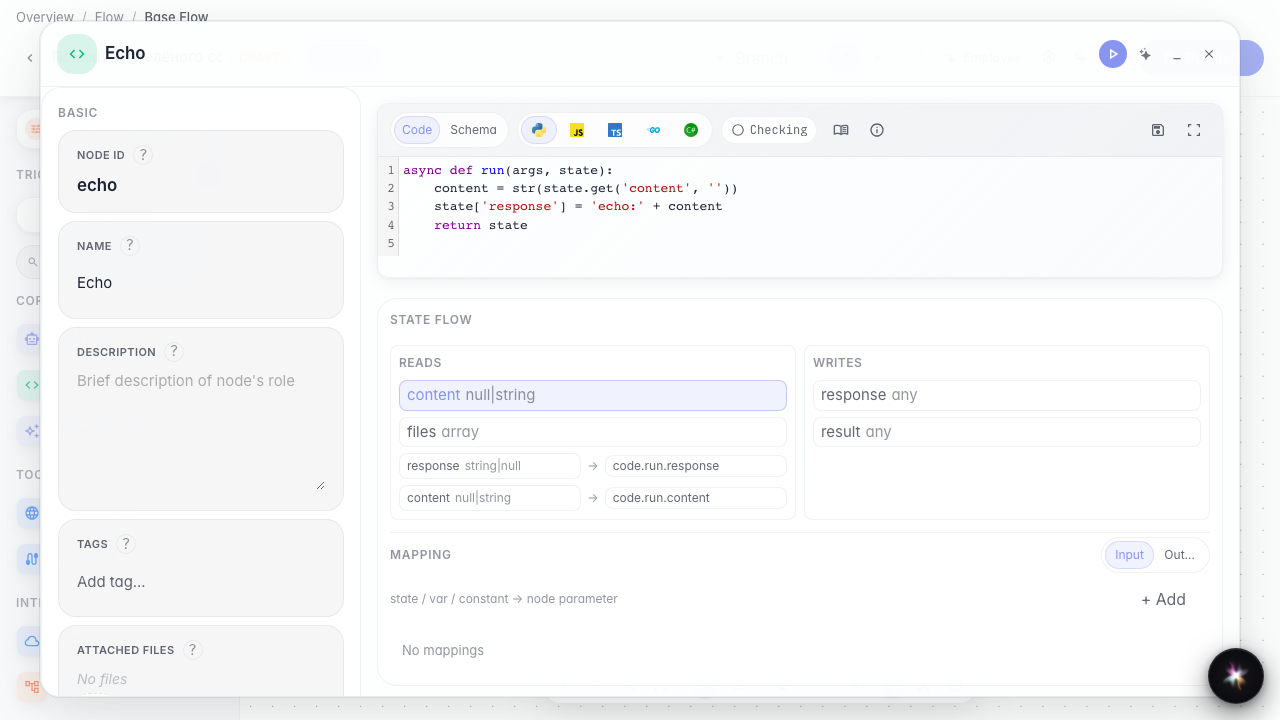
On the Code tab define run: it reads input and writes the result to state['response'] so the next node gets a ready value.
Step 3. Review the code before publishing
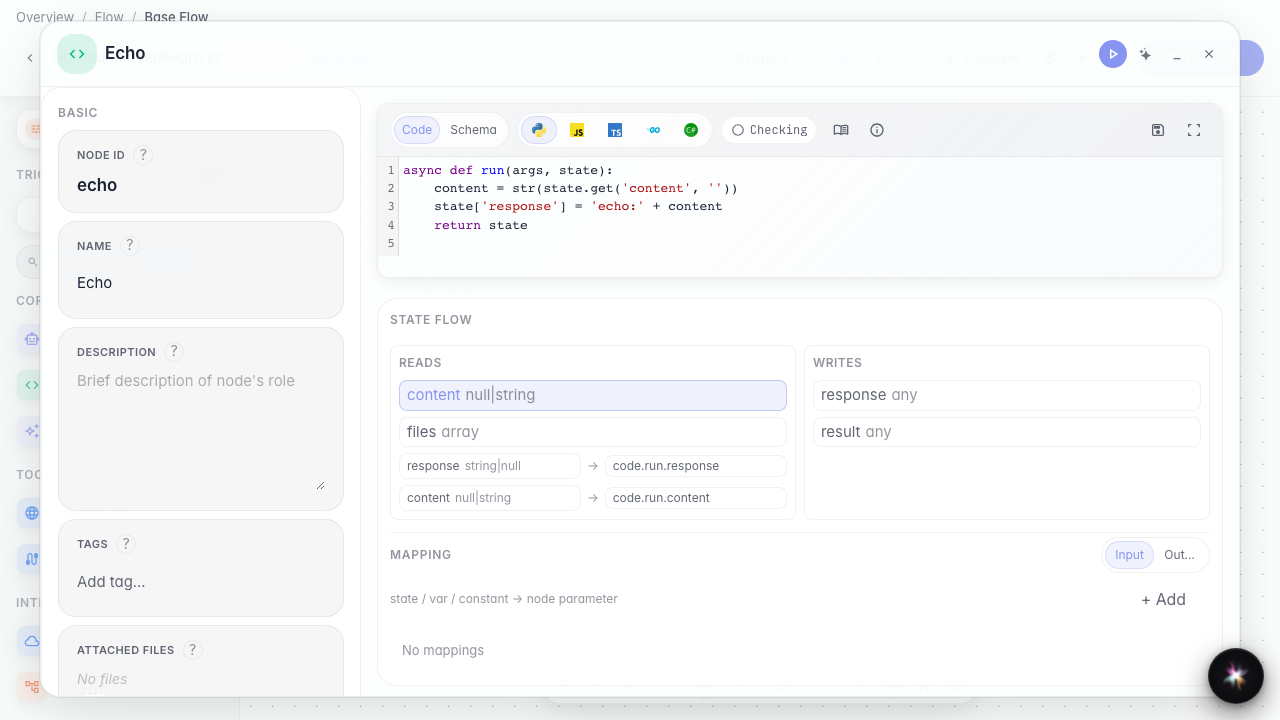
Reopen the code node and confirm the echo logic is still there. This verifies the draft before saving to the published version.
Step 4. Publish the graph with code
Result demonstration. After publishing the code is saved on the node — reopening shows the same echo logic.
Summary. You can add a code node and write data processing inside the Green Garden agent.