Platform basics: entry, Dashboard, and user menu
A basic path for a new user: open the website, go to Dashboard, understand the service list, and inspect the user menu.
Step 1. Open the company dashboard with the main services.
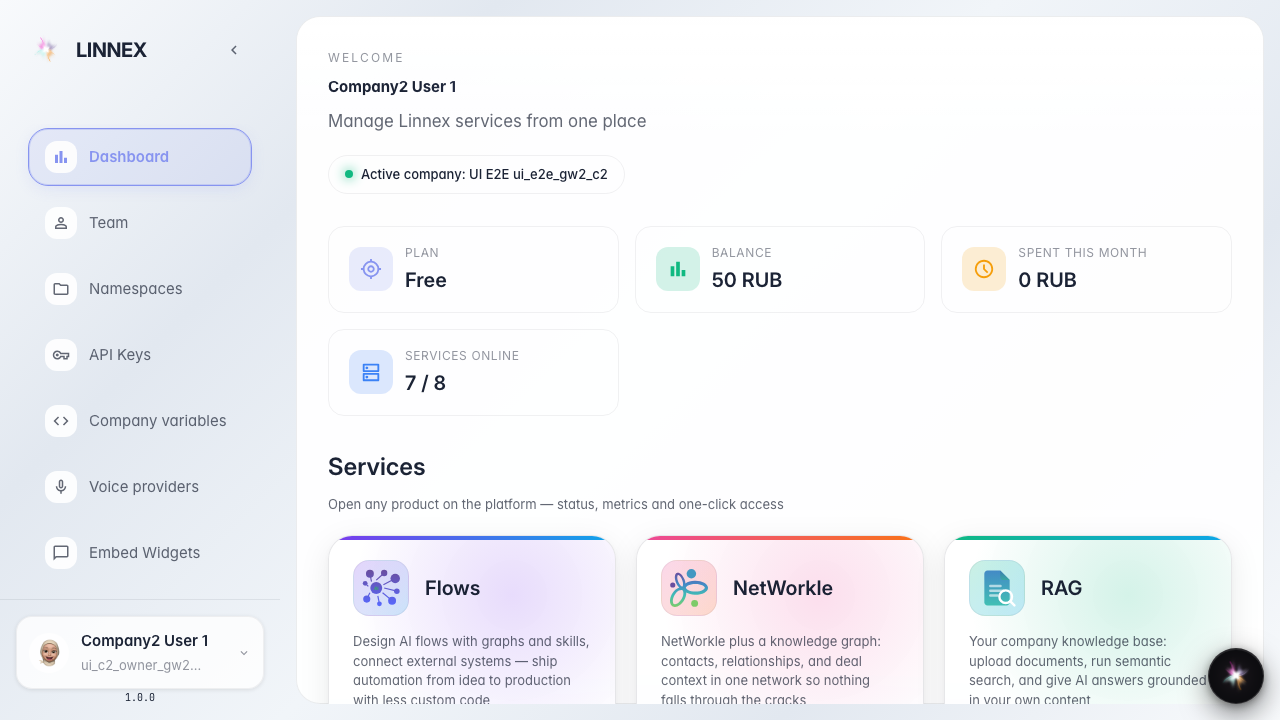
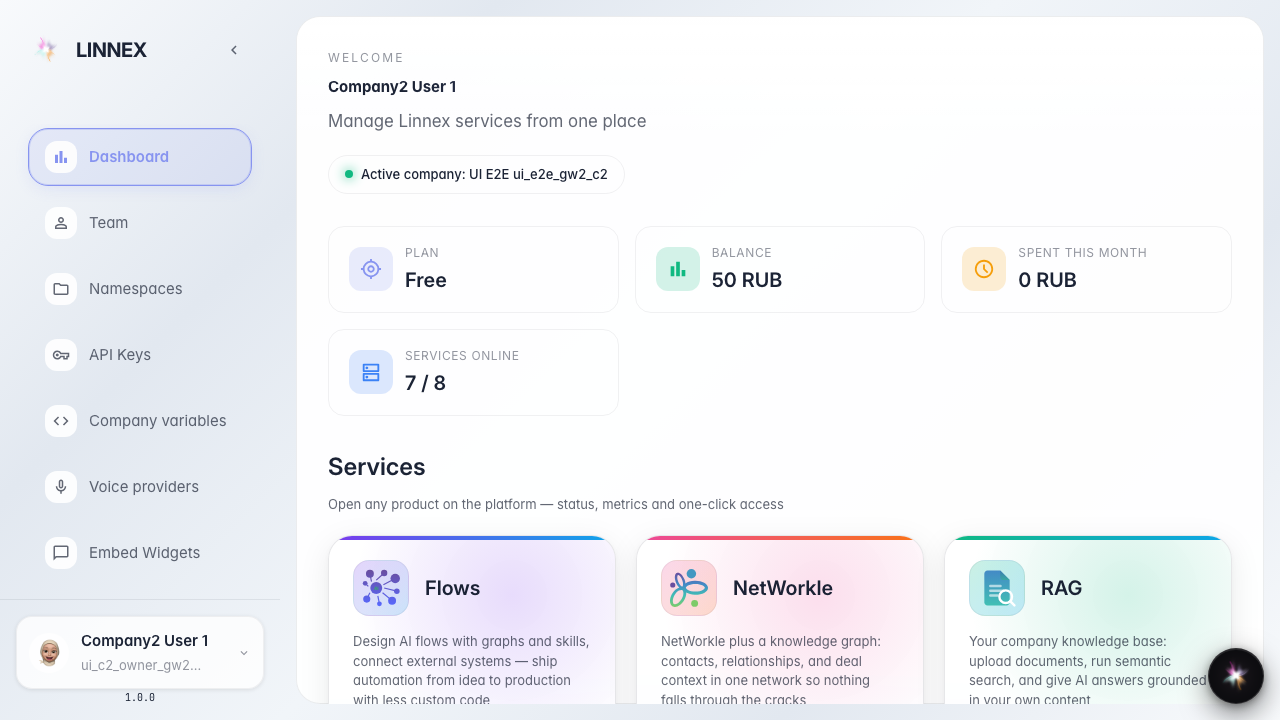
Step 2. Dashboard shows the company's main services. System-only services are hidden from a regular company.
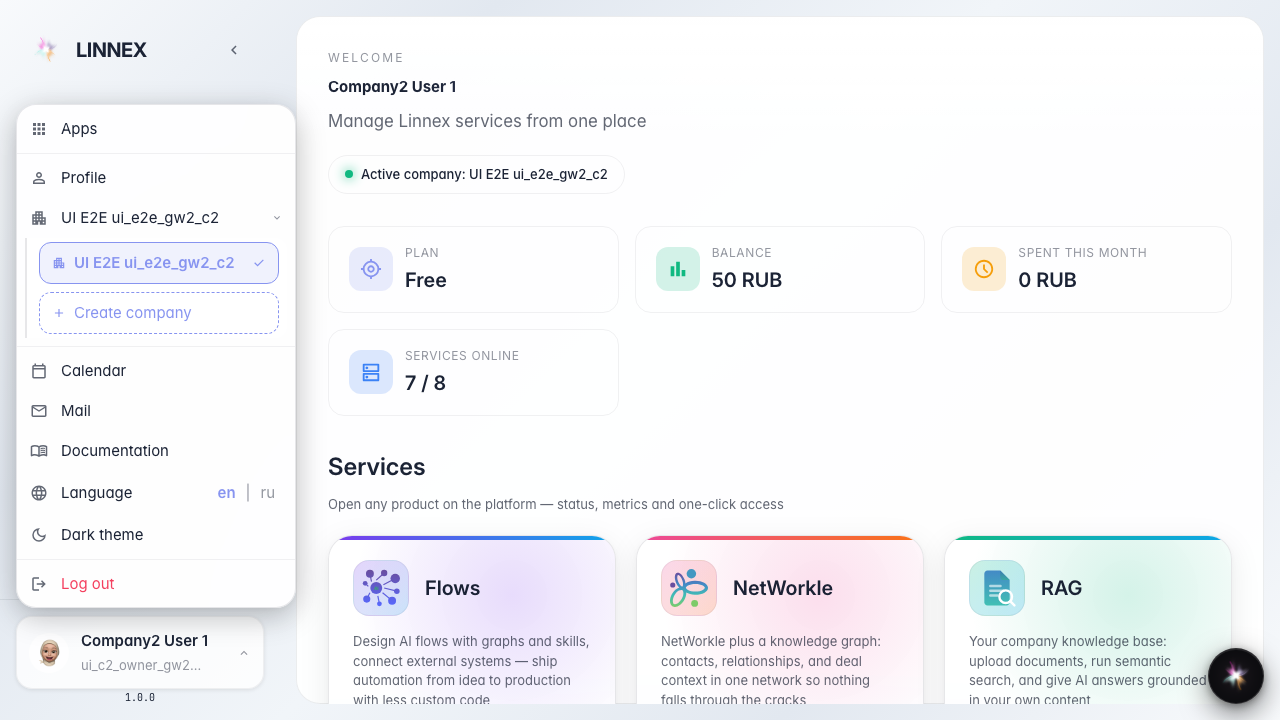
Step 3. Open the user menu. It contains apps, profile, company, calendar, documentation, language, theme, and sign out.

Step 4. The company row opens the company list. The checkmark shows the active company, and Create company starts a new company.
Step 5. Apps opens the service launcher. It is a quick way to go to Flows, NetWorkle, RAG, Sync, or Documents.

Step 6. Profile opens the user card with name, email, roles, and account actions.

Step 7. The lower menu items: Documentation opens help, Language changes the locale, Theme switches appearance, and Logout signs out.
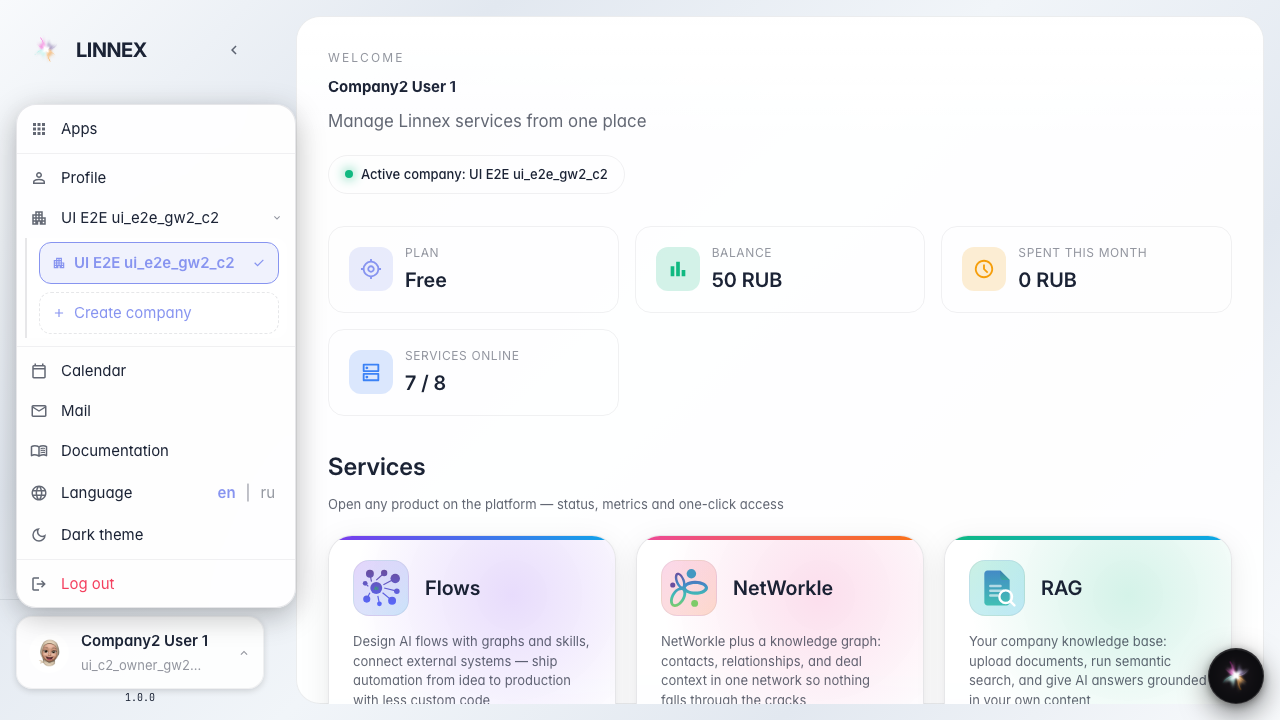
Step 8. Calendar opens the fullscreen calendar. The modal stays inside the viewport and is ready to use.
