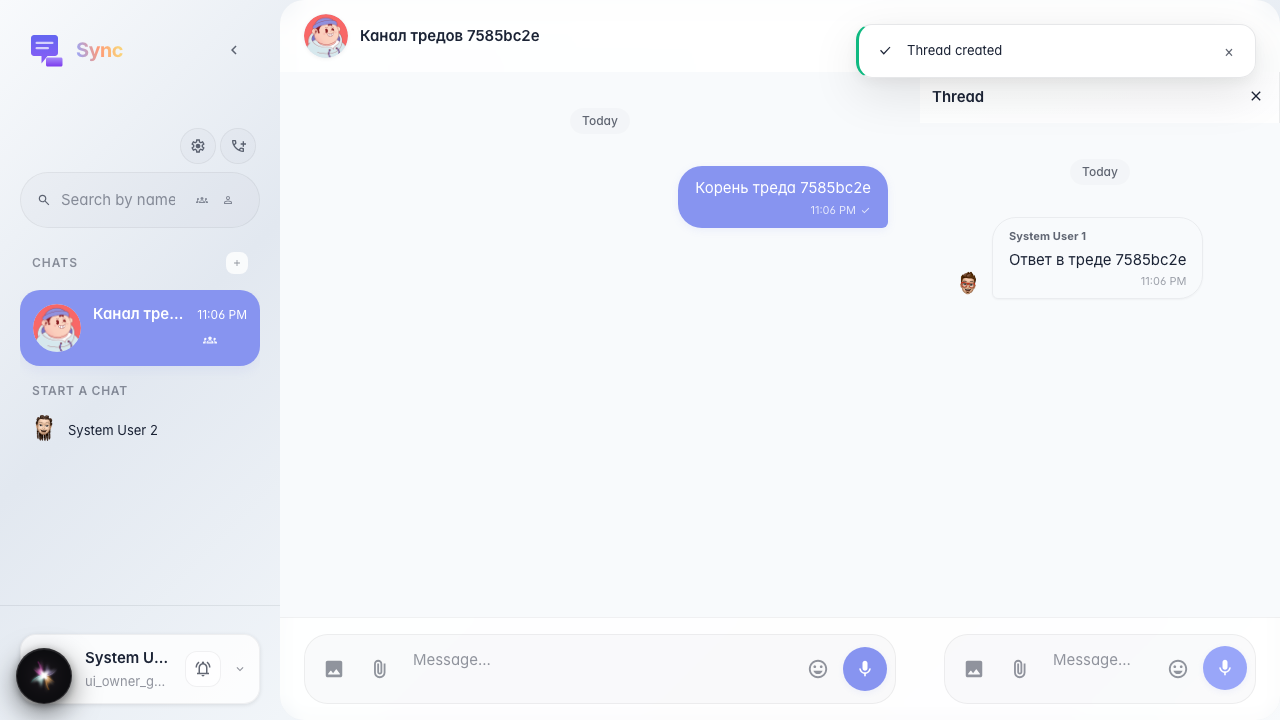
Sync: threads panel after replying to a message
The user replies to a message in the main feed and opens the «Threads» panel: the header and list area are displayed (the list may be empty if thread_id is not yet set on feed messages).
Step 1. Space and channel created

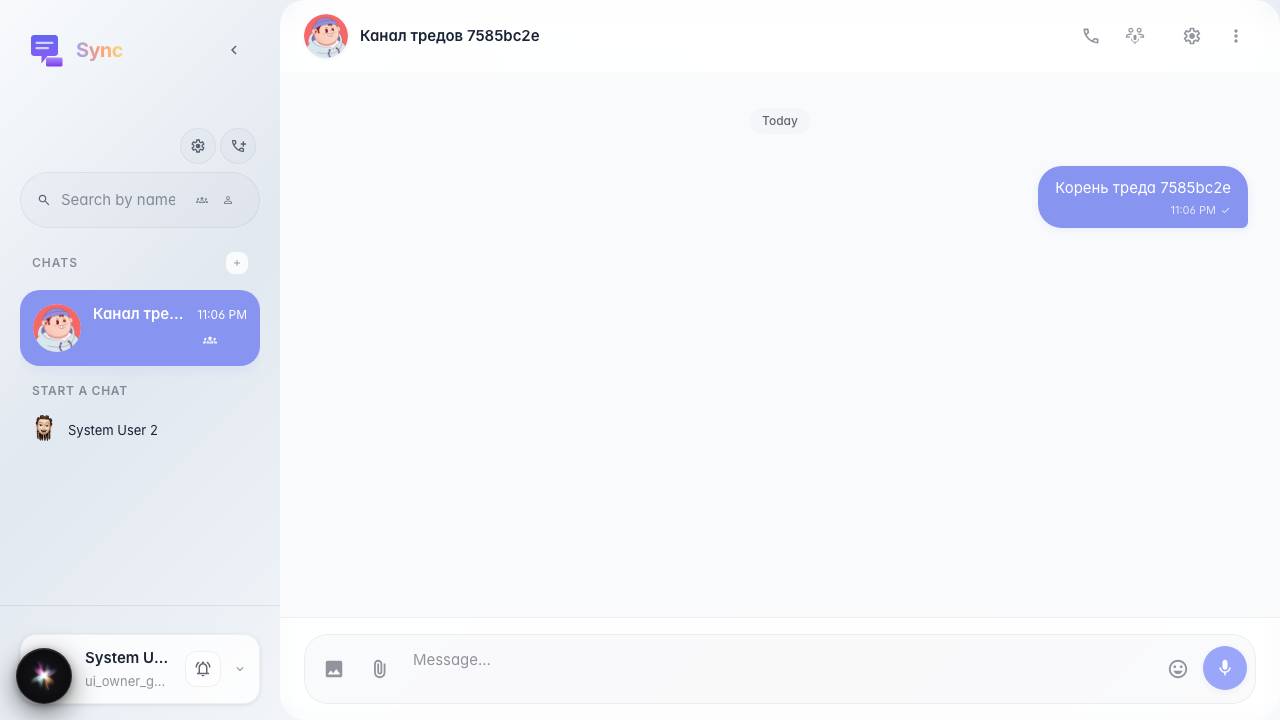
Step 2. Root message sent
Step 3. Thread opened and reply sent
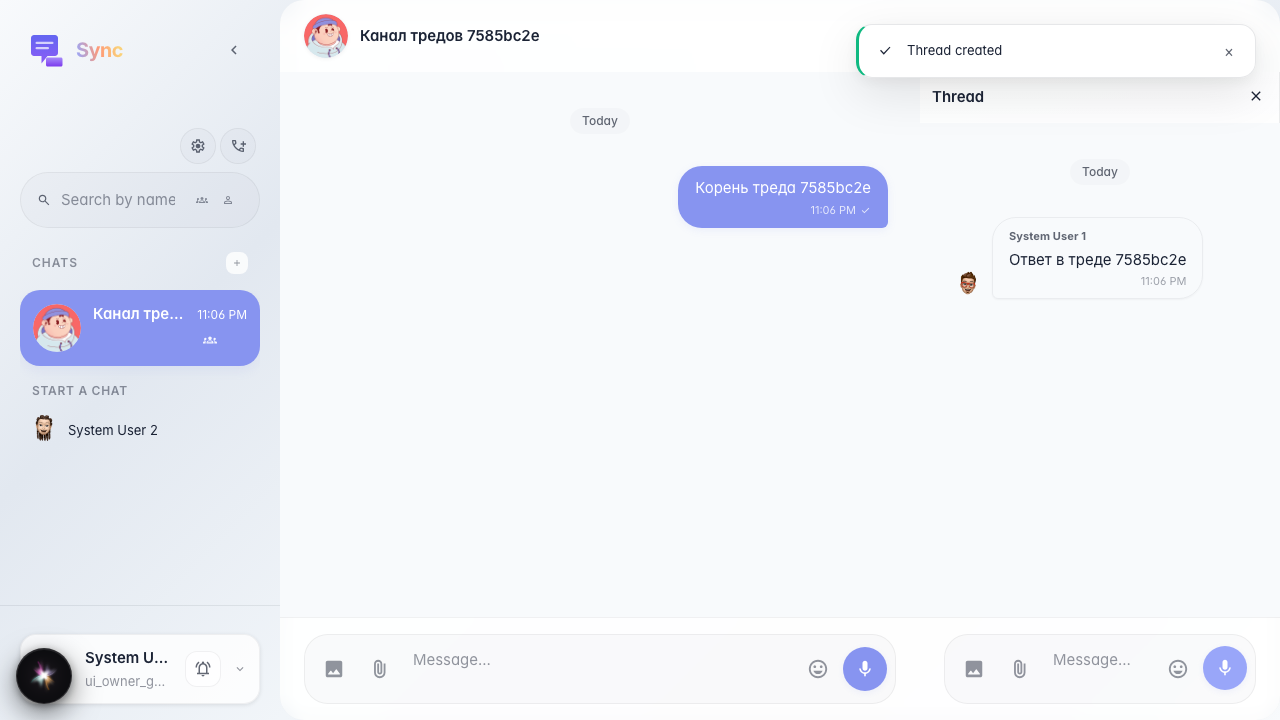
Step 4. Threads panel opened