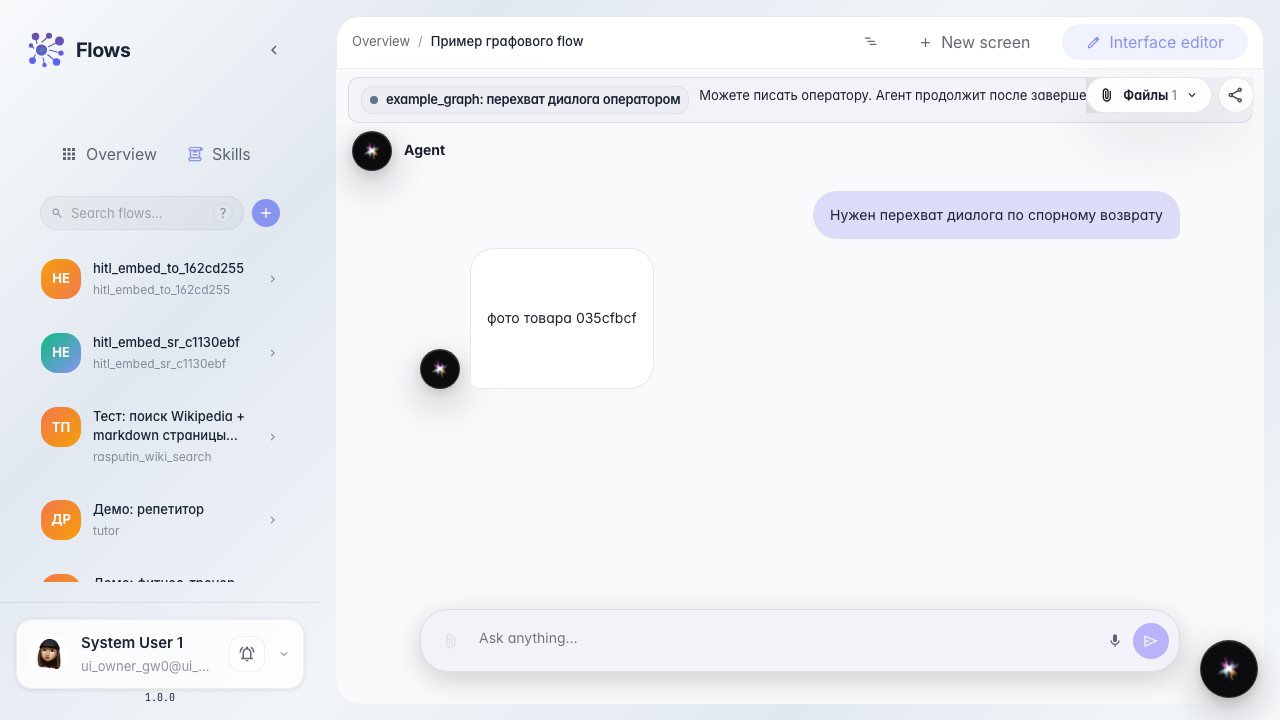
Operator attaches a file in the customer reply
What for: this guide shows how to send the customer an attachment from the embedded task chat, not via internal comments.
Problems it solves: a product photo is easy to drop into Activity, and the customer never sees it.
Result: the file goes into the HITL dialog and the customer sees the attachment in their chat.
Step 1. Take the chat to an operator task
The customer writes about a disputed return. A support-queue task appears — that is where the operator replies.

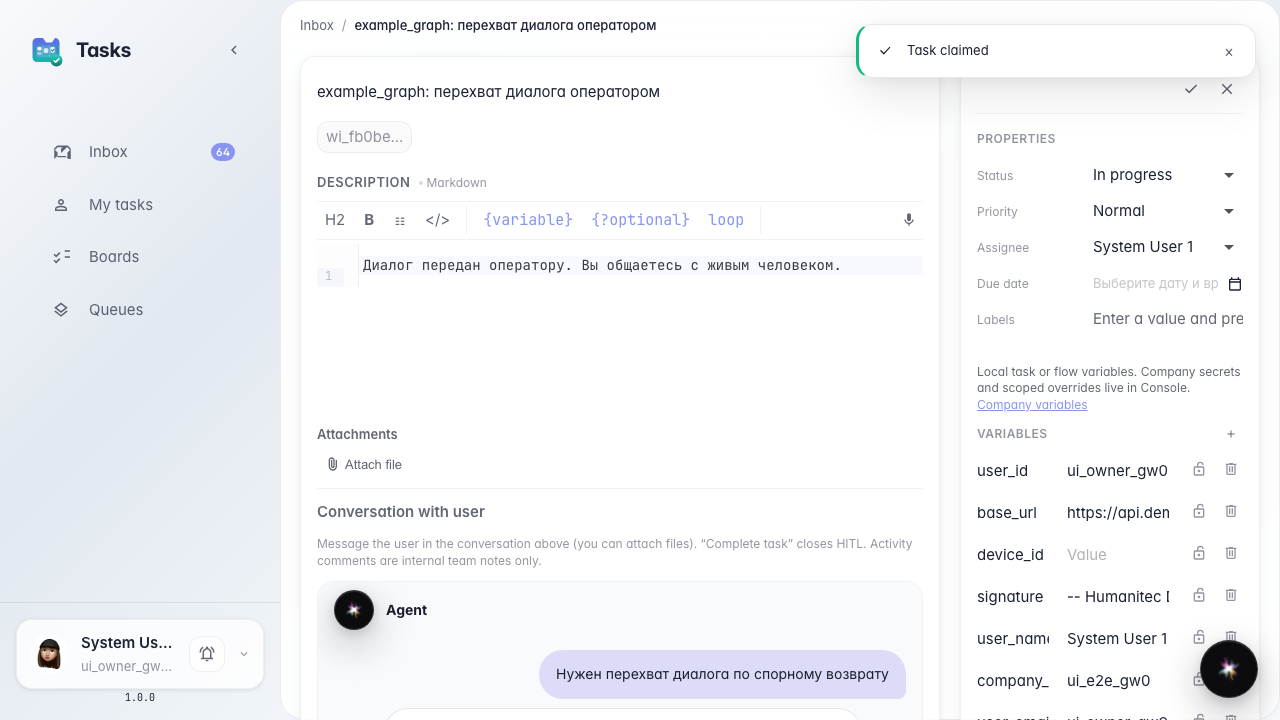
Step 2. Open the task and claim it
In Tasks open the card and claim it. The chat shows the input and an attach control.
Step 3. Attach the photo and send the reply
Pick a file in the chat composer and add a caption. The message with the attachment goes to the customer, not to Activity.
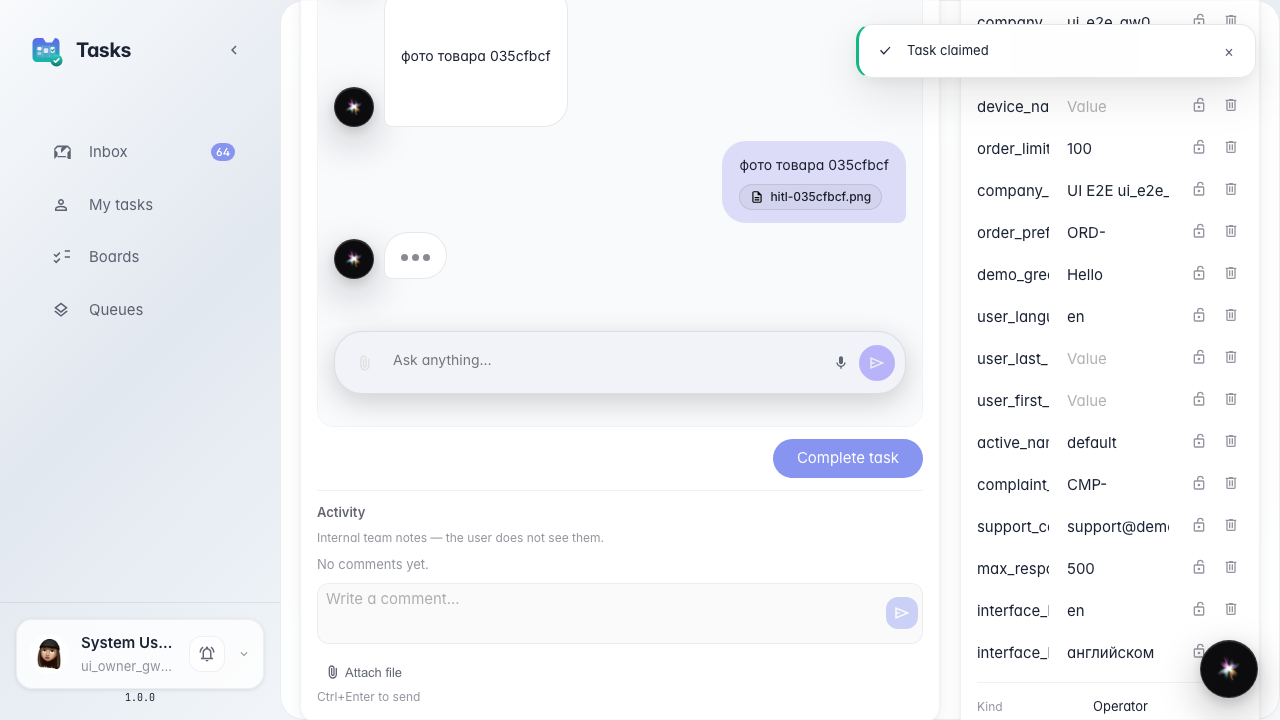
Step 4. Check the attachment in the customer chat
Result demonstration. The customer chat shows the photo caption. The file arrived in the same dialog as the operator text.
Summary. You can send attachments to the customer from the embedded task chat.