Sync: open a chat with a company member
In the «Direct» section the user finds a colleague by name and opens a conversation with them.
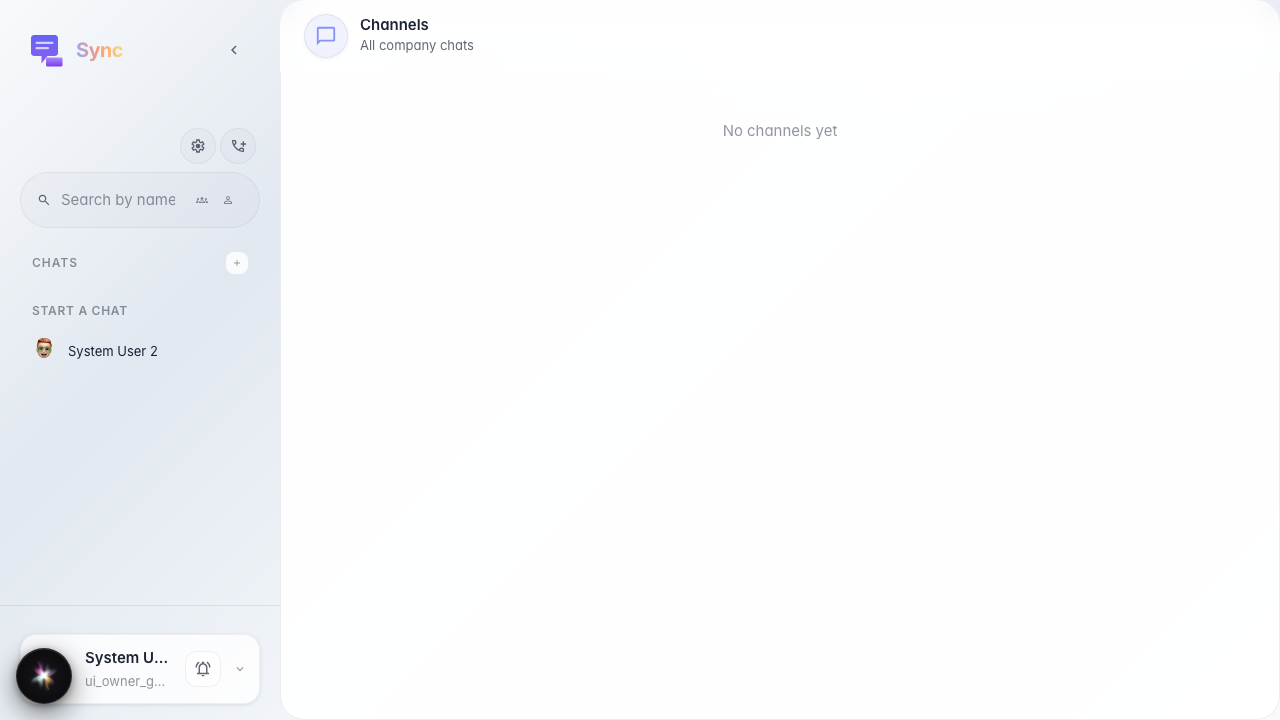
Step 1. Sync opened, Direct section is available
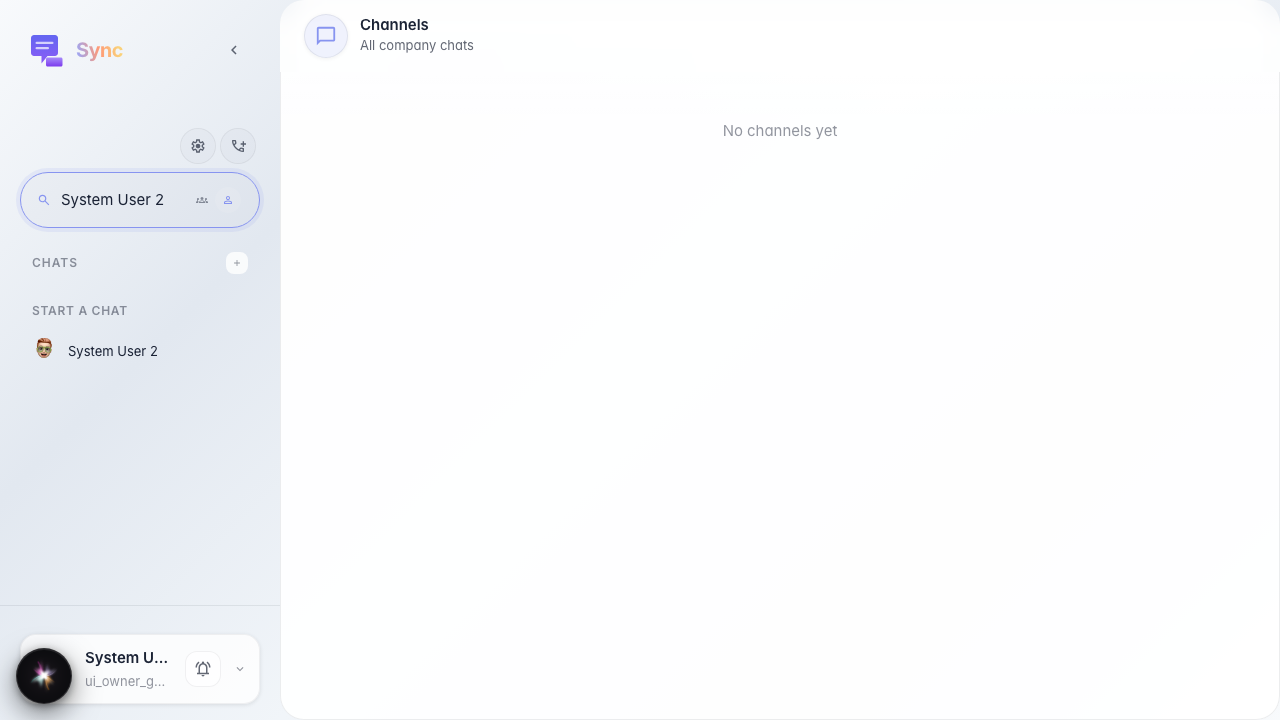
Step 2. Search by member name
Step 3. Chat opened with the selected member
