What triggers are and how to start configuring them
What for: this guide shows where an agent keeps automatic runs and which five trigger types exist.
Problems it solves: beginners do not know how a webhook differs from a schedule or where to start — first you need the agent and the triggers list.
Result: the Green Garden Assistant is created, the triggers list is open, and the create form shows the shared fields.
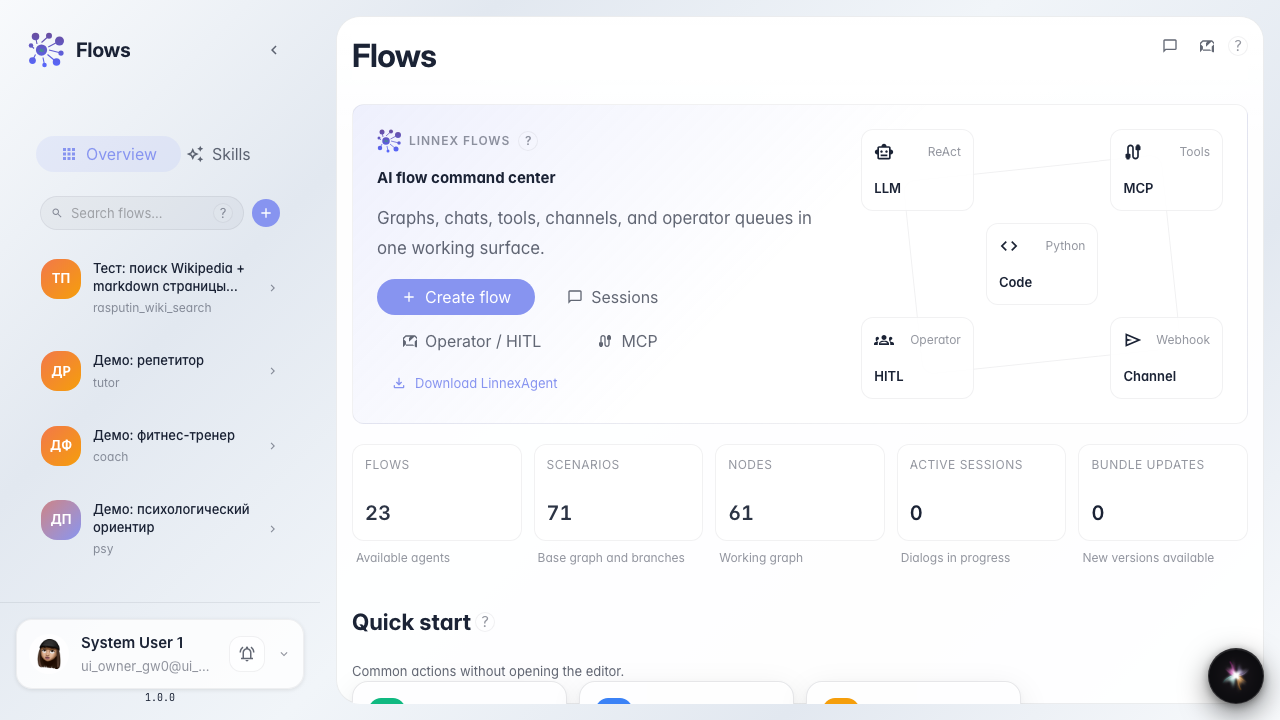
Step 1. Open the agent catalog
On the Flows home the catalog is on the left. Triggers belong to a specific agent, so create or open the store assistant first.
Step 2. Create an agent from a template
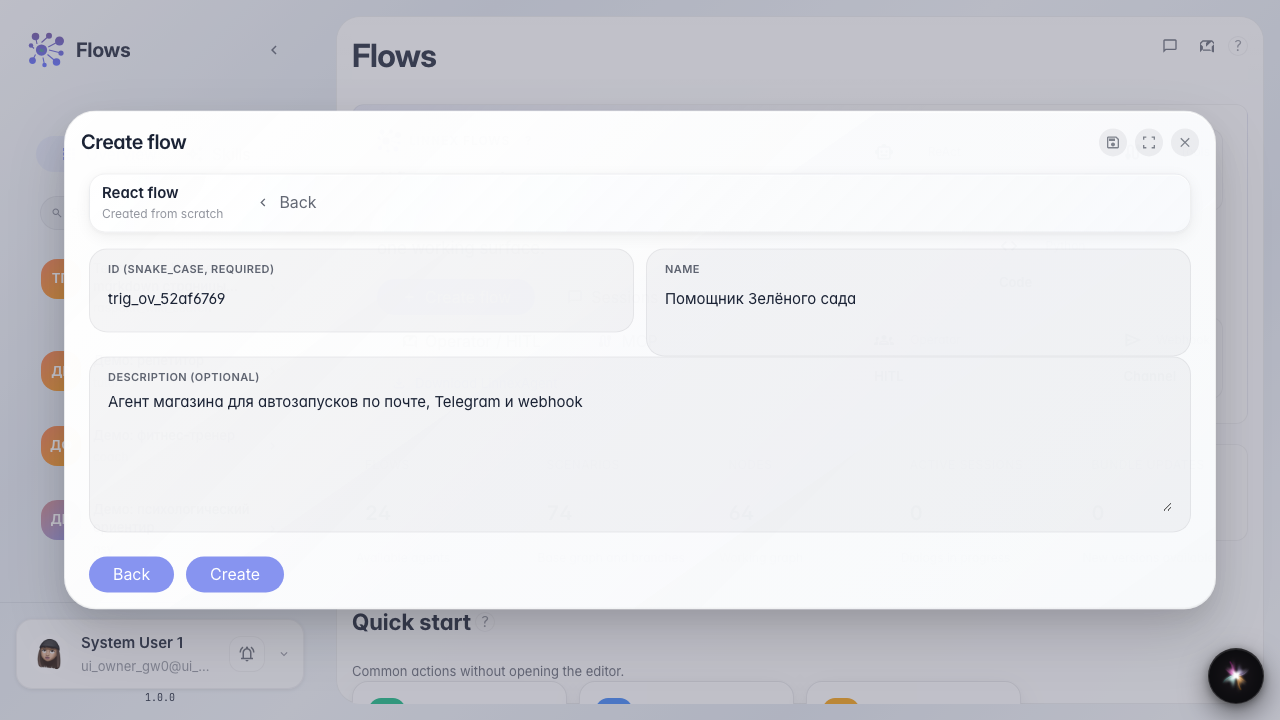
Pick the plain agent template, set an identifier and the name Green Garden Assistant. The editor opens with a ready answer node.
Step 3. Open the triggers list
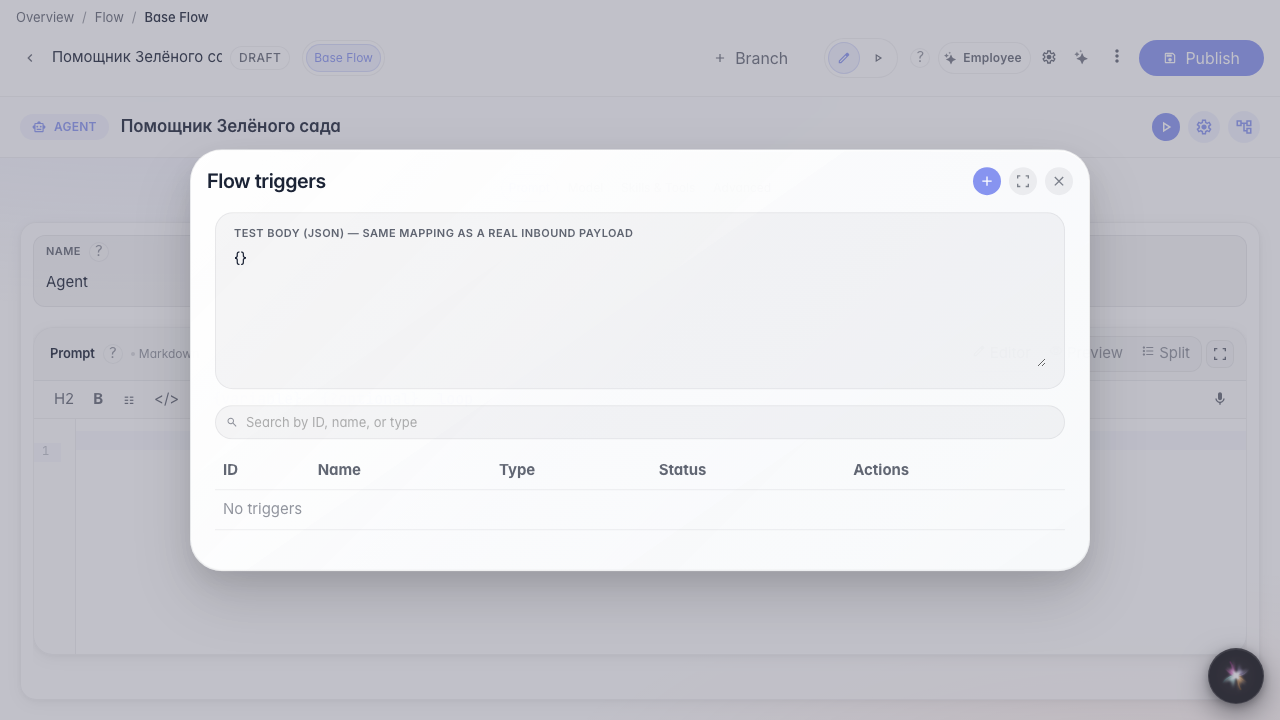
In the editor menu choose Triggers. All automatic runs appear here: schedule, Telegram, webhook, email, and platform events. An empty list is normal for a new agent.
Step 4. Look at the five trigger types
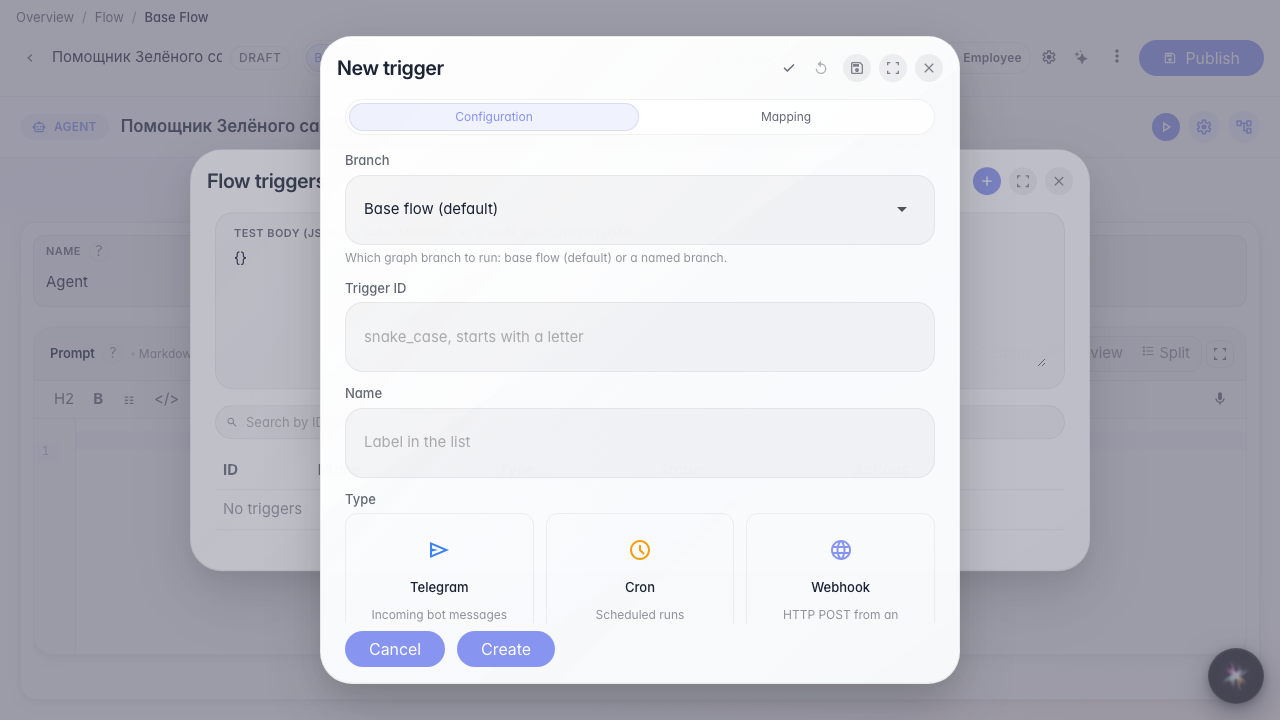
Click +. Type cards: Cron — on a schedule; Telegram — bot messages; Webhook — HTTP from an external system; Email — inbound mailbox mail; Platform event — actions in CRM, tasks, and other services.
Step 5. Learn the shared fields on any trigger form
Result demonstration. Every trigger has an identifier (Latin for the system), a name (for people in the list), an Enabled switch, and a scenario branch picker. Next open the guide for the type you need and fill its fields.
Summary. You can create an agent, open triggers, and pick an automatic-run type.
