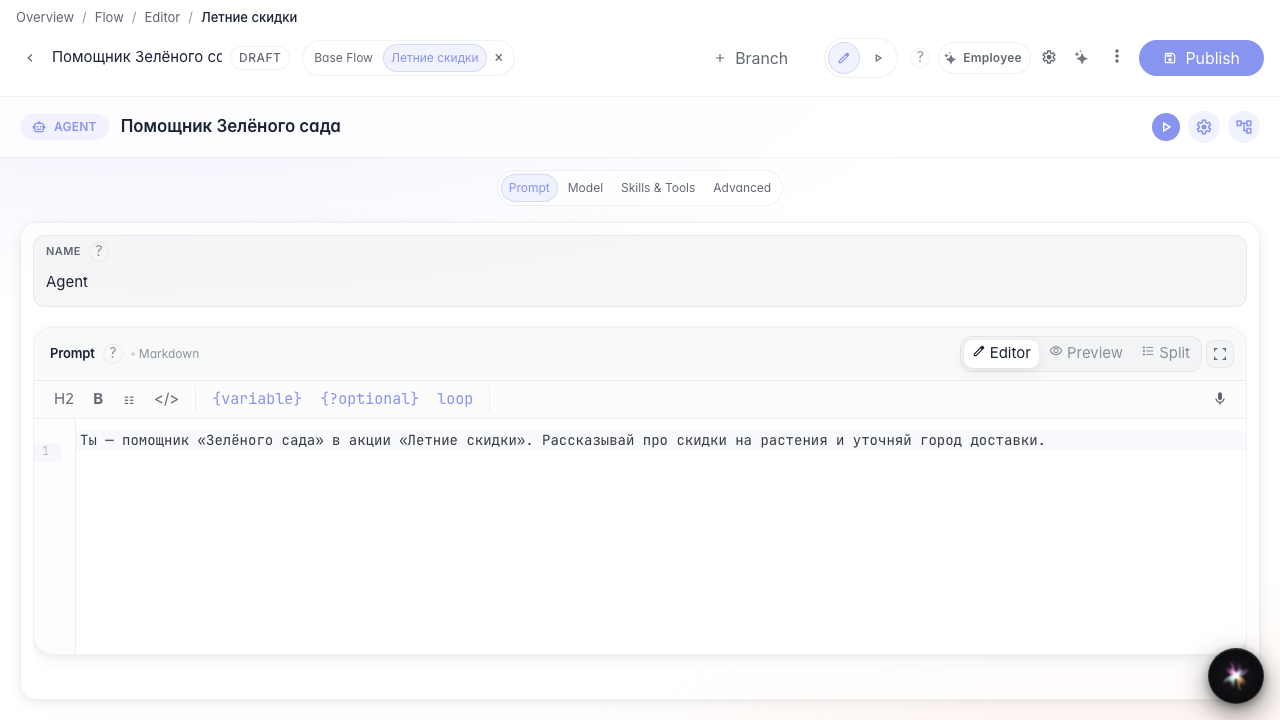
Experiment in a branch
What for: this guide helps you try an idea in a separate branch without changing the main agent version.
Problems it solves: you may hesitate to edit a live assistant when testing a promotion or a new instruction.
Result: the Summer sale branch keeps its own changes.
Step 1. Open the agent in the editor
The editor header shows branch tabs. The base branch is the live agent version users get by default.
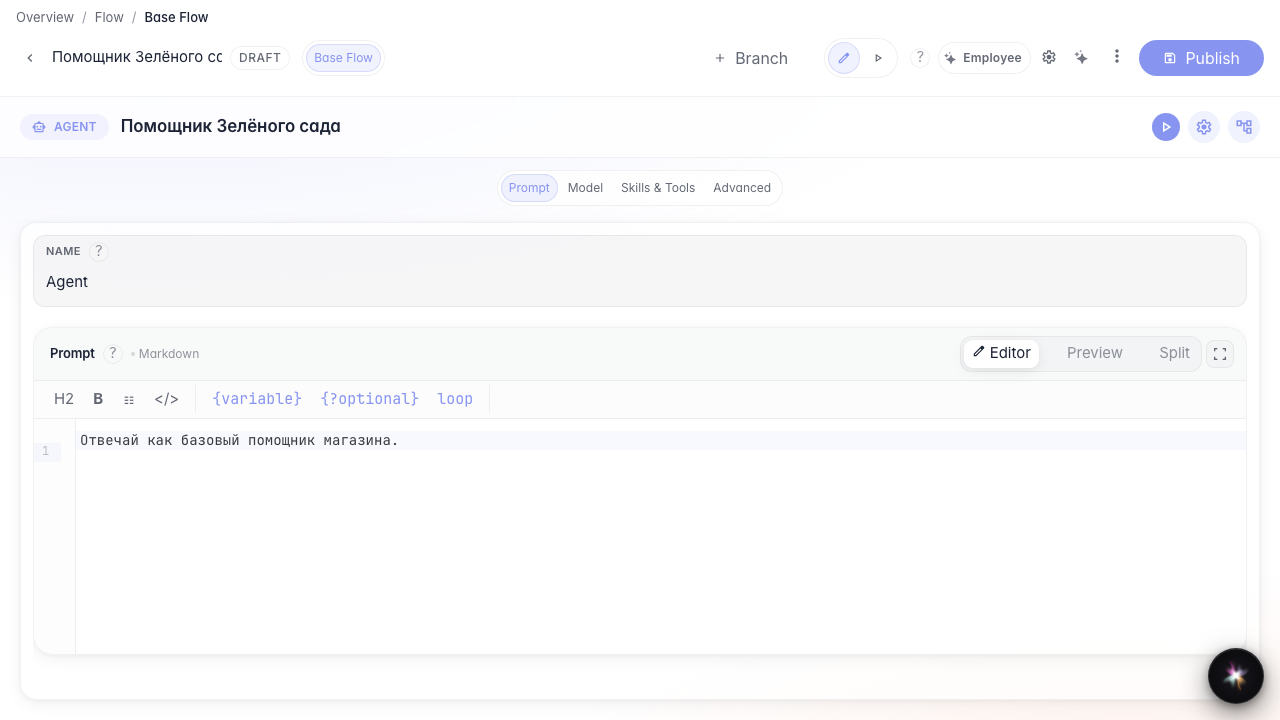
Step 2. Create and open the Summer sale branch
Click + next to branch tabs, set an identifier and promotion name. After creation, switch to the new tab — changes stay in this branch only.
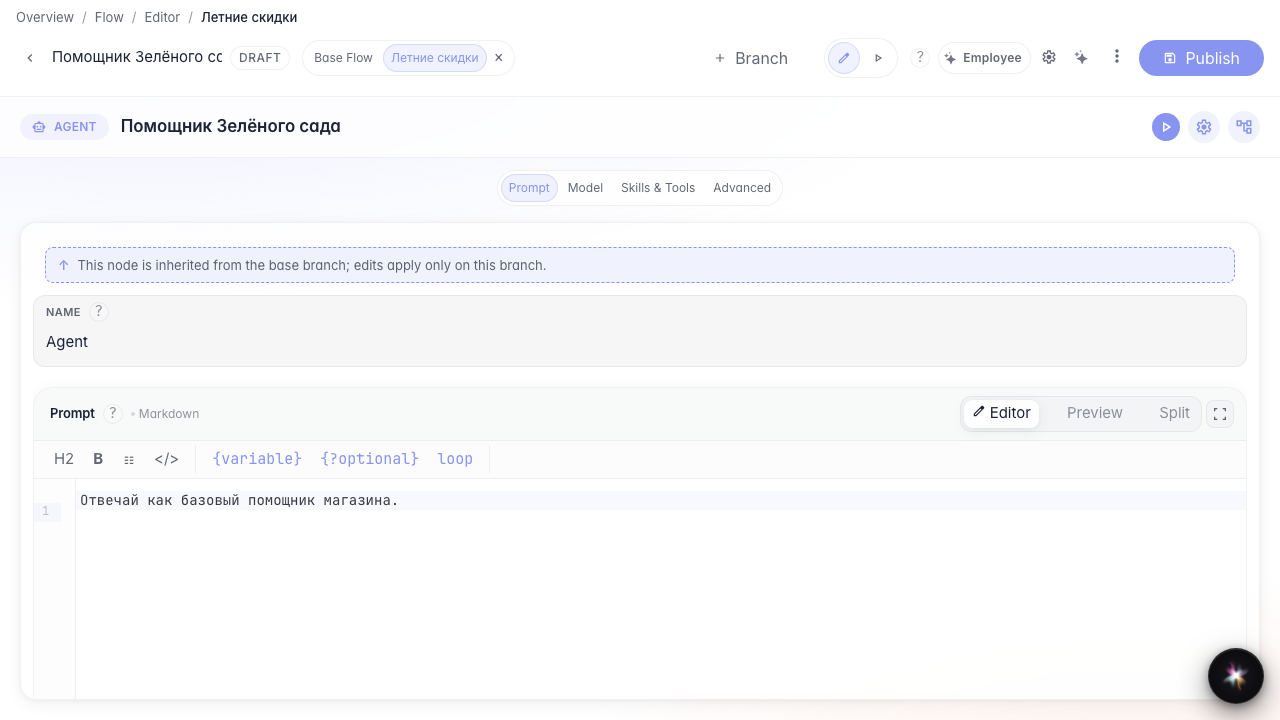
Step 3. Update the instruction for the promotion
Open the answer node and rewrite the instruction for the summer promotion. Some settings inherit from the base branch, while the prompt text can be changed locally.
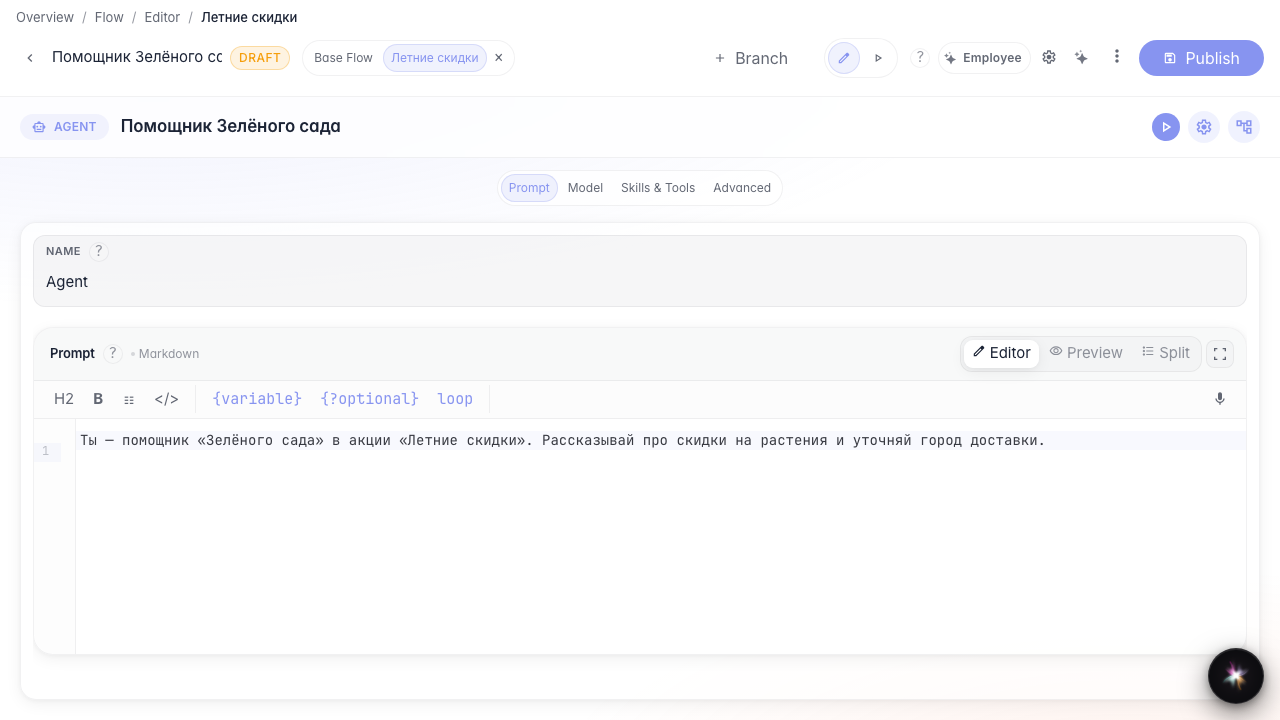
Step 4. Publish the branch and verify isolation
Result demonstration. After publishing, the promotion prompt is stored only in the Summer sale branch while the base version stays unchanged.
Summary. You can now create a branch, change agent behavior there, and publish experiments without risking the main version.